
9 BEST Modded Minecraft Server Hosting (2026)
 Editorial Team
Disclosure: Guru99 is reader-supported. We may earn a commission when you buy through links on this page. Learn more

Modded Minecraft hosting can become frustrating when laggy servers, unreliable uptime, wasted setup hours, confusing panels, hidden resource limits, and inconsistent mod support disrupt a world. Players disconnect, chunks roll back, and administrators spend evenings fixing mismatched Java or loader versions. Buyers often overlook SLA exclusions, backup retention, and port controls. A suitable host brings predictable performance, safer updates, clearer administration, and faster recovery. That means more time playing, fewer emergency restores, and confident growth.
I spent 74+ hours researching 15+ hosting providers, checking current plans, modpack support, uptime terms, runtimes, backups, ports, and recurring customer feedback. I shortlisted nine BEST Modded Minecraft Server Hosting options with distinct strengths and trade-offs. This review covers features, pros and cons, and current pricing taken from each provider's plan pages. Continue reading to find a suitable server environment. Read more…
Best Modded Minecraft Hosting Providers
| Hosting Provider |
 Apex Hosting |
 Godlike Host |
 Pine Hosting |
 Physgun |
| Reason Chosen | Best Overall | Best modded minecraft server hosting | Premium Minecraft Hosting | Best for Modpacks |
| Price | $2.99 first month | $6.39 first month | $3.00 per month | $4.87/mo |
| No of Players | Unlimited | 5-10 | Unlimited | Unlimited |
| Mods Allowed | Yes | Yes | Yes | Yes |
| DDOS Protection | Yes | Yes | Yes | Yes |
| Lag: | Run without lag or downtime. | Run without lag | Run without lag | Runs without lag |
| Free Trial or Moneyback Guarantee | 7 days money back guarantee | 3 days money back guarantee | 48 hours money back guarantee | 3-Day Money-Back Guarantee |
| Our Review |
Excellent – 9.8
 |
Excellent – 9.5
 |
Good – 9.5
|
Good – 9.3
|
| Link | Visit Apex Hosting | Visit Godlike Host | Visit Pine Hosting | Visit Physgun |
1) Apex Hosting
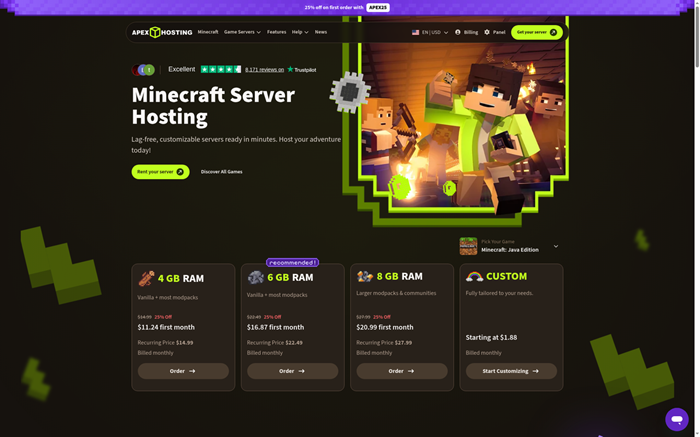
Apex Hosting combines a managed Minecraft panel with 752 modpacks and one-click installation. Server profiles help protect files when administrators move between modpacks, while FTP access supports custom packs and manual changes. Official terms publish a 99.99% monthly uptime threshold for service-credit eligibility.
Version controls cover releases, custom JAR files, and Java settings. Players connect through an assigned IP and port or a free subdomain, while dedicated IP availability varies. Apex suits administrators wanting guided help, although recurring prices exceed introductory rates and software-caused outages fall outside its SLA.
Features:
- Modpack Library: Install from 752 listed packs through the panel, including CurseForge and Feed the Beast choices, without manually assembling every server file.
- Server Profiles: Save separate configurations before changing packs or versions. Profiles reduce accidental overwrites and simplify returning to a previously working world.
- Runtime Control: Select supported Minecraft releases, loaders, Java settings, or a custom JAR. Manual FTP deployment covers packs missing from the installer.
- Network Record: The published SLA sets a 99.99% monthly threshold for service credits, excluding scheduled maintenance and customer or third-party software causes.
- Port Handling: Each server receives an IP and port plus a free subdomain. Dedicated IP service is available only where supported and may cost extra.
- Backups: Scheduled and manual backups protect worlds and configurations before updates. Restoring a known state remains simpler than reversing individual file changes.
- File Access: FTP access exposes configuration, mod, and world files for advanced administration. Built-in support remains available when guided changes are preferable.
Pros
Cons
Pricing
Apex offers monthly managed plans, discounted first months, and a conditional seven-day refund window for new servers.
| Plan | Pricing |
|---|---|
| 3 GB | $8.99 first month, $11.99 monthly renewal |
| 4 GB | $11.24 first month, $14.99 monthly renewal |
| 8 GB | $20.99 first month, $27.99 monthly renewal |
7-day conditional refund
2) Godlike Host
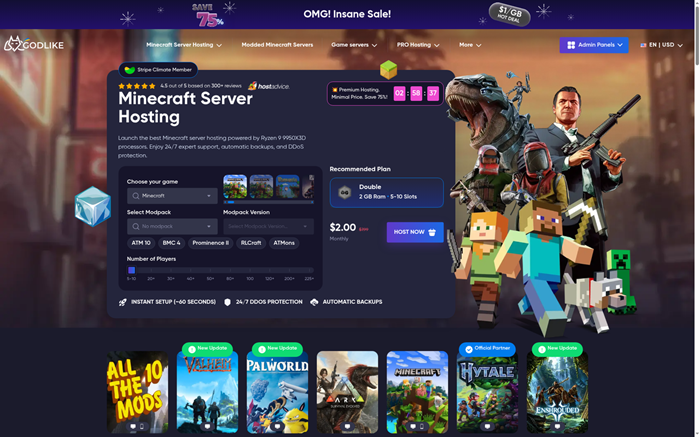
Godlike Host provides a Pterodactyl-based panel, automated mod installation, custom launch options, and up to three backups daily. Its free server supplies 2 GB RAM for short evaluation sessions, although users must extend it every three hours. Paid plans add resources and broader panel access for persistent communities.
Godlike publishes a 99.9% uptime SLA, and its documentation supports custom JAR files and selectable Java versions. Connection ports are assigned. The first eligible purchase can be refunded within three calendar days after cancellation and a support request, subject to stated limits.
Features:
- Free Server: A 2 GB free instance supports one slot and limited panel access. Administrators must renew the session every three hours.
- Mod Installer: Automated installation and updating reduce manual pack preparation. Full file access remains available for custom configurations and unsupported modpack packages.
- Launch Control: Custom startup options, JAR selection, and Java-version controls accommodate Forge, Fabric, and other supported modded Minecraft multiplayer server environments correctly.
- Uptime Record: Godlike publishes a 99.9% uptime SLA, although detailed consumer credit calculations are not prominently displayed on public pages.
- Backup Schedule: The service can create up to three backups each day, giving administrators restore points before loader, mod, or configuration changes.
- Port Handling: The platform assigns the connection endpoint and port. Public documentation does not promise arbitrary customer-selected port numbers for managed servers.
- File Control: The Pterodactyl interface and file access support configuration editing, uploads, and custom launch files without requiring a separate desktop application.
Pros
Cons
Pricing
Godlike combines a restricted free server with paid resource tiers and an eligible three-day refund.
| Plan | Pricing |
|---|---|
| Free | $0, 2 GB RAM, one slot, three-hour extensions |
| Double | $7.99 monthly regular price, 2 GB RAM |
| Quadro | $15.99 monthly regular price, 4 GB RAM |
Free plan, 3-day eligible refund
3) Pine Hosting
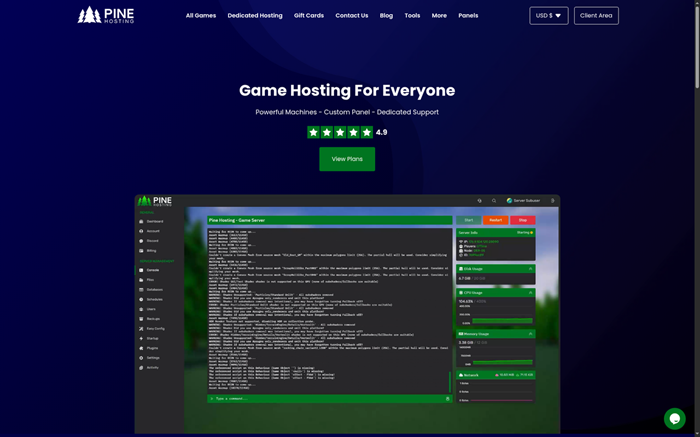
Pine Hosting pairs a custom game panel with one-click modpacks, a version switcher, scheduled tasks, file management, and SFTP. Its installer selects the matching Minecraft and Java versions, which reduces common loader mistakes. The provider advertises 99.99% uptime and instant deployment across managed Minecraft plans.
Administrators can run Forge, Fabric, or Paper, upload custom files, and create backups. Servers use assigned IP and port endpoints, with a free subdomain. Pine offers no free trial, while its FAQ provides a 48-hour money-back guarantee. Three resource tiers keep selection understandable.
Features:
- Version Switcher: Change Minecraft releases and supported server types from the panel. Outdated-version alerts help administrators identify pending updates before scheduling maintenance.
- Modpack Setup: One-click installation handles compatible packs and automatically selects appropriate Minecraft and Java versions, reducing mismatched runtime errors during initial deployment.
- Task Scheduler: Schedule restarts, backups, commands, and maintenance actions. Predictable automation helps active modded servers clear memory and apply routine changes safely.
- Uptime Claim: Pine advertises 99.99% uptime on its Minecraft page, though public service-credit calculations are less detailed than a formal network SLA.
- File Access: The browser file manager and SFTP permit custom mods, configuration changes, and migrations. Free migration assistance is also publicly offered.
- Port Handling: Servers receive an IP and port plus a free subdomain. Public documentation does not advertise arbitrary selection of managed server ports.
- Recovery: Backups provide rollback points before modpack and loader changes. They function as operational recovery, not source-code version control like Git.
Pros
Cons
Pricing
Pine uses three clear monthly resource tiers and includes a 48-hour money-back guarantee for new purchases.
| Plan | Pricing |
|---|---|
| Essential | $6 monthly, 2 GB RAM |
| Performance | $15 monthly, 4 GB RAM |
| Extreme | $30 monthly, 8 GB RAM |
48-hour money-back guarantee
4) Physgun
Physgun focuses on affordable modded Minecraft hosting with more than 1,000 CurseForge packs and support for Forge, Fabric, NeoForge, Quilt, Paper, Spigot, and Sponge. Its JAR Manager installs the selected build and matching Java runtime, while SFTP handles custom packs and server files. The Minecraft page advertises 99.9% or better uptime.
Secure backups and DDoS protection cover recovery and network defense. Servers receive assigned endpoints, while custom-port selection is not publicly promised. Physgun lists Chicago and London locations, making latency testing important. Its three-day money-back guarantee provides limited evaluation time.

Features:
- Pack Catalog: Install more than 1,000 CurseForge packs from the panel. Supported loaders include Forge, Fabric, NeoForge, Quilt, Paper, Spigot, and Sponge.
- JAR Manager: Choose a server build and let the manager install its matching Java runtime, reducing manual compatibility work during version changes.
- Custom Files: SFTP access supports custom JAR files, mods, worlds, and configurations when the standard installer does not match a specific project.
- Uptime Claim: The Minecraft product page advertises 99.9% or better uptime, but detailed credit rules are not displayed as a formal public SLA.
- Backups: Secure backups preserve world and configuration states before upgrades. Recovery points provide operational rollback rather than line-by-line source revision history.
- Port Handling: Managed servers receive assigned connection endpoints. The provider does not publicly promise arbitrary customer-selected ports on its standard Minecraft plans.
- Network Reach: Chicago and London locations serve North American and European audiences. Communities elsewhere should compare latency before making a long commitment.
Pros
Cons
Pricing
Physgun offers low monthly entry pricing and a brief three-day money-back guarantee for eligible new customers.
| Plan | Pricing |
|---|---|
| Copper | $5.49 monthly, 2 GB RAM |
| Iron | $15.99 monthly, 6 GB RAM |
| Diamond | $41.49 monthly, 16 GB RAM |
3-day money-back guarantee
5) Shockbyte
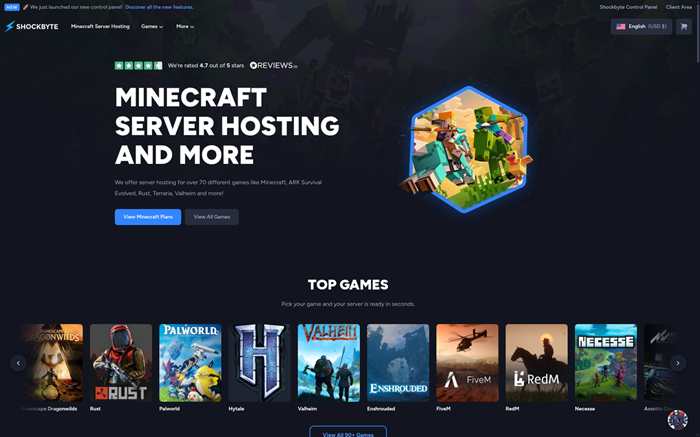
Shockbyte combines a new control panel with more than 3,000 modpacks across CurseForge, Feed the Beast, Technic, and ATLauncher. Instance management separates configurations, while backup tools and custom JAR support cover manual deployments. Its formal SLA states 99.99% monthly network availability and 99.95% hardware availability.
The SLA counts qualifying outages over five consecutive minutes, excluding mod failures, resource exhaustion, and customer configuration. Java guidance maps runtimes to Minecraft versions. Endpoints and subdomains are available, although custom ports are not publicly guaranteed. Plans include promotional pricing and a 72-hour refund window.
Features:
- Modpack Catalog: Deploy more than 3,000 packs across major launchers. The panel reduces repetitive uploads while retaining custom JAR and file support.
- Instance Manager: Separate modpacks and configurations into instances, allowing administrators to preserve stable working environments while preparing alternative worlds or server versions.
- Network SLA: The formal SLA lists 99.99% monthly network availability and 99.95% hardware availability, with stated exclusions and a five-minute qualifying threshold.
- Runtime Guidance: Official documentation maps Java versions to Minecraft releases and explains custom JAR deployment, helping server administrators avoid unsupported runtime combinations.
- Backup Tools: Create and restore server backups before updates or experiments. Backups preserve complete states rather than providing Git-style file revision tracking.
- Port Handling: The service supplies an endpoint and optional subdomain. Standard documentation does not advertise arbitrary customer-selected Minecraft server network port assignments.
- Refund Access: A 72-hour self-service refund window enables a short compatibility test, but demanding modpacks require prompt configuration and representative load checks.
Pros
Cons
Pricing
Shockbyte applies a recurring 30% discount to its plans and offers a 72-hour self-service refund period. The tiers below have enough memory for most modpacks.
| Plan | Pricing |
|---|---|
| Iron | $11.19 monthly promotional, $15.99 list, 4 GB RAM |
| Redstone | $16.79 monthly promotional, $23.99 list, 6 GB RAM |
| Emerald | $22.39 monthly promotional, $31.99 list, 8 GB RAM |
72-hour self-service refund
6) GravelHost
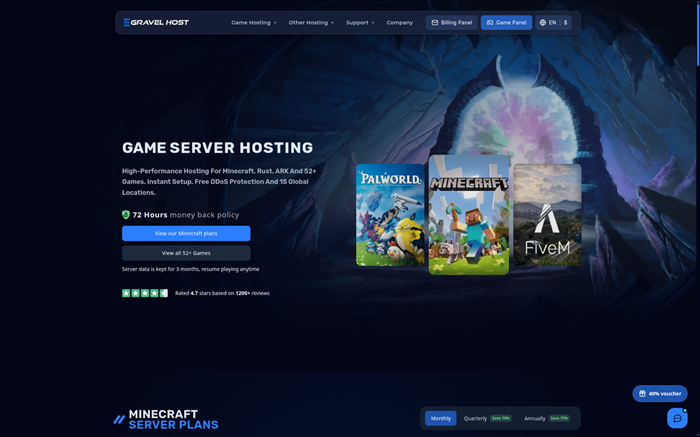
GravelHost offers low budget pricing, daily backups, three-month retained data, one-click modpacks, custom JAR support, and FTP access. Its version changer selects server builds, while documented Java support spans versions 8 through 25. Fifteen data-center choices and included DDoS protection broaden deployment options for distributed groups.
No free plan is available, but purchases carry a 72-hour refund. Servers use assigned IP and port endpoints, while arbitrary port selection is not advertised. GravelHost does not publish a numeric network SLA. Backups and version switching provide recovery without native Git history.
Features:
- Budget Tiers: Entry plans scale by memory at low monthly rates, making them accessible for small groups testing lightweight modpacks and configurations.
- Version Changer: Select exact Minecraft server builds and Java versions from 8 through 25, supporting older packs and newer mod loader requirements.
- Custom JARs: Upload custom server JAR files, mods, and configurations through FTP when one-click options do not cover the intended server stack.
- Backup Retention: Daily backups protect active worlds, while retained server data remains available for three months.
- Network Record: Fifteen locations and DDoS protection are advertised, but no numeric network SLA is published.
- Port Handling: Standard plans receive assigned IP and port endpoints. Public pages do not promise arbitrary port selection for managed Minecraft servers.
- Version Control: Exact-build switching and backups support rollback. They do not replace Git for tracking individual configuration files or server script revisions.
Pros
Cons
Pricing
GravelHost uses inexpensive memory-based plans and includes a 72-hour refund period for new server purchases. The tiers below suit modpacks.
| Plan | Pricing |
|---|---|
| Budget 4 GB | $3.60 monthly |
| Budget 6 GB | $5.40 monthly |
| Budget 8 GB | $7.20 monthly |
72-hour refund, no free plan
7) Nitrado
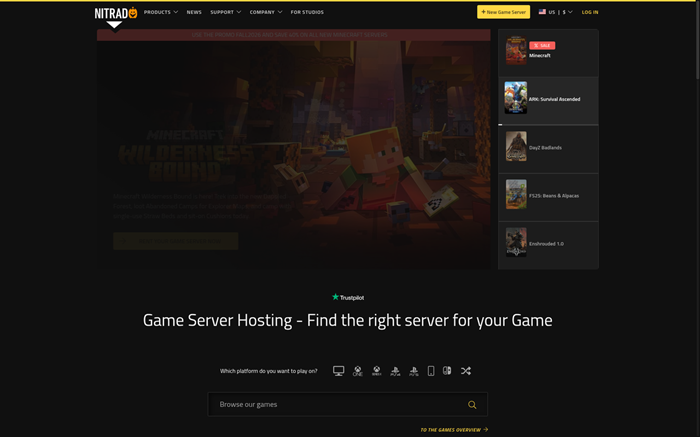
Nitrado delivers RAM-based Minecraft hosting with daily backups, FTP, task scheduling, permissions, and version changes. Customers can keep several games active within one allocation, helping groups rotate between titles. Official guidance recommends 4 GB for small lightly modded groups and higher tiers for larger communities.
The platform assigns an IP and port endpoint without advertising arbitrary choice. Nitrado does not publish a numeric uptime SLA in its US terms. Eligible purchases may be refunded within fourteen days, while modified services, short rentals, subscriptions, and upgrades carry exclusions. Pricing varies by region.
Features:
- Version Switching: Change Minecraft versions and supported server configurations from the panel. Administrators can move between modded and vanilla setups without new hosting.
- Game Rotation: Keep up to five supported games active and switch the running service, useful for communities that share one resource allocation.
- Daily Backups: Automatic daily backups protect world data before updates. Restore operations provide practical recovery, not granular source-code history for every configuration line.
- FTP Access: Upload mods, worlds, and configuration files through FTP. Direct file access supports custom deployments beyond the standard version selection interface.
- Task Scheduler: Schedule restarts and administrative actions, helping active modded servers manage memory and planned maintenance without constant ongoing manual administrator supervision.
- Network Record: DDoS protection is advertised, but Nitrado does not publish a numeric uptime SLA in its US terms.
- Port Handling: Players connect using the assigned IP and port shown in the panel. Arbitrary customer-selected port numbers are not publicly promised.
Pros
Cons
Pricing
Nitrado bills US servers per 30-day subscription by memory size. Promo codes can lower the first term, and prices vary by location.
| Plan | Pricing |
|---|---|
| 4 GB RAM | $12.99 per 30 days |
| 6 GB RAM | $19.49 per 30 days |
| 8 GB RAM | $24.99 per 30 days |
14-day eligible refund
8) BisectHosting
BisectHosting supports more than 2,300 modpacks and 8,000 plugins through a managed panel with instance management, daily backups, FTP, and a full file manager. Current entry plans begin at 2 GB RAM, while twenty-one locations improve regional placement. Its formal SLA targets 99.97% monthly node-level uptime.
Administrators can switch packs, upload custom JAR files, and restore separate instances while testing versions. BisectOne includes a dedicated IP, but arbitrary port selection is not documented. A three-day refund limits testing time. Backups and instances create rollback points without native Git history.

Features:
- Modpack Catalog: Choose from more than 2,300 packs and 8,000 plugins, covering common launchers and varied community server configurations through the panel.
- Instance Manager: Maintain separate server instances for versions, modpacks, or worlds, helping administrators preserve a stable working environment during upgrades and experiments.
- Node SLA: The formal SLA targets at least 99.97% monthly node uptime and describes customer compensation for qualifying provider-caused Minecraft service failures.
- Custom JARs: Upload JAR files and server data through the file manager or FTP. Version and pack switching remain available from the panel.
- Daily Backups: Automatic backups and available backup slots preserve recoverable server states before upgrades, migrations, and configuration changes affect live player data.
- Port Handling: Standard servers use assigned endpoints. BisectOne includes a dedicated IP, but public materials do not promise arbitrary customer-selected server ports.
- Global Locations: Twenty-one advertised locations give communities a broad latency choice, particularly when active players span North America, Europe, Asia, and Australia.
Pros
Cons
Pricing
BisectHosting provides monthly memory tiers, three-day refunds, and larger managed options through its BisectOne service.
| Plan | Pricing |
|---|---|
| 2 GB | $5.99 monthly |
| 3 GB | $8.99 monthly |
| 4 GB | $11.99 monthly |
3-day money-back guarantee
9) Hostinger
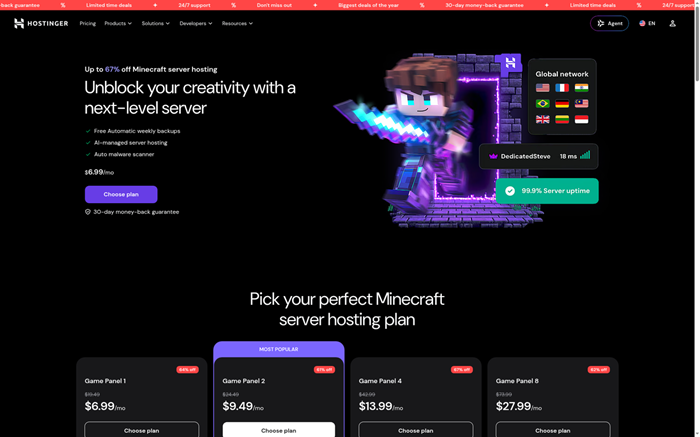
Hostinger packages Minecraft inside a self-managed Game Panel VPS with full root access, AMD EPYC processors, NVMe storage, weekly backups, DDoS protection, and an AI assistant. Plans begin with 4 GB RAM and scale to 32 GB. Administrators can install multiple game servers and control the operating environment.
Game Panel supports Java changes, Forge, Fabric, Paper, custom JAR files, SFTP, and server.properties port edits. Root access permits Git installation for configuration history. Hostinger publishes a 99.9% hosting SLA with exclusions. Lower advertised prices require twenty-four months prepaid and renew higher.
Features:
- Root Access: Full VPS administration allows custom packages, scripts, firewall settings, and server processes beyond the restrictions of most managed Minecraft control panels.
- Runtime Control: Select Java versions, server types, and custom JAR files through documented Game Panel workflows for Forge, Fabric, Paper, and other builds.
- Custom Ports: Edit server.properties and firewall rules to change listening ports. Technical administrators must preserve network connectivity and avoid conflicting service assignments.
- Git Versioning: Install Git through root access and track scripts or configuration files, while excluding large worlds and secrets from the repository.
- Hosting SLA: Hostinger publishes 99.9% monthly availability with a five-percent credit process and clearly stated exclusions for maintenance, attacks, and customer-caused downtime.
- Weekly Backups: Automatic weekly backups and emergency controls protect the VPS after failures, though active worlds may require more frequent application-level backups.
- AI Assistant: Hostinger Agent can guide configuration and execute supported tasks, but administrators remain responsible for compatibility, commands, security, and data protection.
Pros
Cons
Pricing
Hostinger discounts 24-month Game Panel terms, includes 30-day refunds, and charges higher monthly prices upon renewal.
| Plan | Pricing |
|---|---|
| Game Panel 1 | $6.99 monthly equivalent, renews at $11.99, 4 GB RAM |
| Game Panel 2 | $9.49 monthly equivalent, renews at $14.99, 8 GB RAM |
| Game Panel 4 | $13.99 monthly equivalent, renews at $28.99, 16 GB RAM |
30-day money-back guarantee
Comparison Between Top Modded Minecraft Server Hosting
| Hosting Provider | One-Click Modpacks | Custom JAR Uploads | Version Switching | Published Uptime SLA | Automated Backups | Refund or Free Access |
|---|---|---|---|---|---|---|
| Apex Hosting | ✅ | ✅ | ✅ | ✅ | ✅ | ✅ |
| Godlike Host | ✅ | ✅ | ✅ | ✅ | ✅ | ✅ |
| Pine Hosting | ✅ | ✅ | ✅ | ❌ | ✅ | ✅ |
| Physgun | ✅ | ✅ | ✅ | ❌ | ✅ | ✅ |
| Shockbyte | ✅ | ✅ | ✅ | ✅ | ✅ | ✅ |
What Is Modded Minecraft Server Hosting?
Modded Minecraft server hosting provides computing resources and management tools for worlds running loaders, mods, plugins, or complete packs. A provider supplies processor time, memory, storage, networking, DDoS protection, and a control panel. Managed hosts simplify installation and recovery. VPS plans provide deeper operating-system control. Compatibility depends on Minecraft, loader, Java, and mod versions matching across server and clients. Buyers should also examine backup frequency, location, support scope, renewal pricing, and published availability terms before moving an established world safely.
How Much RAM Does a Modded Minecraft Server Need?
Small groups running lightweight packs often begin around 4 GB RAM, while larger or heavily automated packs may need 6 GB, 8 GB, or more. Player count matters, but loaded chunks, machines, dimensions, entities, and pregeneration can consume more memory than extra players. Leave capacity for Java, the panel, and temporary spikes. Avoid assigning every available gigabyte to the Java heap. Test the actual pack with representative players and monitor garbage collection, tick time, memory pressure, and disk activity before expanding.
Which Hosting Features Matter Most for Modded Minecraft?
Prioritize controls that prevent compatibility failures and protect live player data.
- Processor: Favor strong single-core performance because overloaded ticks create visible lag quickly.
- Memory: Match usable RAM with the pack, player count, dimensions, and automation.
- Runtime: Confirm loader, Minecraft release, Java version, and custom JAR support.
- Recovery: Require scheduled backups, clear retention, restore testing, and downloadable copies.
- Network: Compare locations, DDoS protection, published SLA terms, and endpoint options.
- Access: Check file management, SFTP, console, scheduler, permissions, and migration assistance.
Pricing should include renewals, dedicated IP charges, support add-ons, and upgrade requirements.
How Do Uptime Commitments Compare Across These Hosts?
Apex publishes a 99.99% service-credit threshold. Shockbyte lists 99.99% network and 99.95% hardware availability. BisectHosting targets 99.97% node uptime. Pine and Physgun advertise uptime percentages without detailed public credit formulas, while GravelHost and Nitrado do not publish a numeric SLA. Managed plans generally assign ports and include backups. Hostinger’s root-access VPS documents port editing and allows Git installation for private configuration history.
How Do Uptime Claims Differ From Network SLAs?
An uptime claim states an availability percentage. A service-level agreement defines measurement, exclusions, claim procedures, and compensation when performance falls below a threshold. Scheduled maintenance, attacks, faulty mods, customer configuration, and resource exhaustion are commonly excluded. A credit also compensates future service rather than lost player activity. Ask whether measurement covers network access, hardware, the complete node, or the game process. Keep independent monitoring records and submit claims within the stated deadline. Marketing percentages without remedies provide less contractual protection.
Can You Choose Custom Ports and Dedicated IP Addresses?
Managed Minecraft hosts usually assign an IP address and port, then offer a subdomain or optional dedicated IP. Arbitrary port choice is rarely promised on standard plans because nodes share network resources. A dedicated IP can simplify direct connections and certain integrations, although it does not improve server speed by itself. Root-access VPS hosting provides greater control through server.properties and firewall rules. Administrators must avoid port conflicts, preserve security, and update DNS or player instructions after changes. Verify fees and location availability before purchasing.
How Should You Manage Minecraft and Java Versions?
Record the exact Minecraft release, loader build, Java version, mod versions, and configuration revision before each change. Managed panels can automate compatible runtime selection, yet custom packs still require validation. Create a backup and a separate test instance before upgrades. Change one layer at a time, then inspect logs and join with a matching client. Avoid automatic production updates for major loaders or packs. A version manifest makes rollback faster and helps support teams reproduce failures without guessing which combination previously worked.
Do Backups Replace Git Version Control?
No. Backups capture worlds, mods, configurations, and server state at a particular time. Git records line-level changes to text files and supports branches, review, and precise reversion. Managed hosting panels usually provide backups and instances rather than native Git workflows. Administrators with SSH or root access can track scripts and configuration files in a private repository. Exclude world data, large binaries, credentials, tokens, and personal player information. Use both methods: backups for disaster recovery and Git for controlled configuration changes.
How Can You Migrate a Modded Minecraft World Safely?
A controlled migration protects the world and shortens the final maintenance window.
- Freeze Changes: Stop builds and configuration edits before taking the final source backup.
- Record Versions: Write down Minecraft, loader, Java, mods, configs, and startup flags.
- Transfer Files: Upload the complete world, mod, configuration, and permission directories securely.
- Test Privately: Join through the temporary endpoint and inspect dimensions, inventories, machines, and permissions.
- Switch Access: Update DNS or connection details only after administrators approve the validation.
Keep the previous service available until the new host survives backups, restarts, and representative player load.
Can AI Help Manage a Modded Minecraft Server?
AI assistants can explain logs, suggest commands, draft configuration changes, and guide common hosting tasks. They can reduce searching when an error message is clear. However, generated advice may target the wrong loader, release, or mod version. Never paste secrets, tokens, or private player information into an assistant. Review every command and back up the server first. AI should support diagnosis while administrators confirm compatibility through official mod documentation, changelogs, controlled testing, and verified recovery points before changing a live world.
How Do We Select the BEST Modded Minecraft Server Hosting?
Guru99 spent 74+ research hours comparing 15+ hosting providers, carefully checking official plans, technical documentation, pricing, support patterns, and practical risks before publishing recommendations for modded Minecraft administrators worldwide today.
- Pack Compatibility: We checked installer catalogs, supported loaders, custom JAR deployment, file access, and manual pack workflows. Each provider needed a credible path for both common and custom environments.
- Runtime Control: Our team reviewed Minecraft switching, exact build selection, Java compatibility, startup settings, and test instances. These controls directly affect whether older and newer packs start reliably.
- Performance Resources: We compared memory tiers, processor information, storage, locations, upgrade paths, and published limits. We avoided converting provider estimates into guaranteed player counts.
- Network Evidence: We separated marketing uptime from formal SLAs, then recorded thresholds, measurement scope, exclusions, claim deadlines, DDoS protection, and regional endpoint choices.
- Ports and Access: We checked assigned endpoints, subdomains, dedicated IP options, custom-port documentation, consoles, file managers, FTP, SFTP, SSH, and root access where available.
- Recovery Controls: We examined automated backup frequency, retention, restore tools, downloadable copies, instances, and migration assistance. Recovery mattered more than an unsupported promise of uninterrupted operation.
- Version History: We distinguished backups and panel version switchers from Git-based configuration control. Only environments with operating-system access support true repository workflows without provider-native integration.
- Price and Support: We compared introductory rates, renewals, refund windows, free access, support scope, and common customer patterns. Recommendations balance technical freedom with the administration each audience can reasonably manage under realistic server workloads throughout normal operation.
How Do You Troubleshoot Common Modded Minecraft Hosting Problems?
Begin with logs, recent changes, and a verified backup. Test one controlled change before restarting the complete troubleshooting process.
- Issue: The server stops because Minecraft, loader, Java, and mod versions no longer match.
Solution: The administrator should compare the version manifest, restore compatible files, and start a cloned instance before changing production. - Issue: Players experience lag while memory remains available and processor ticks exceed safe timing.
Solution: The administrator should inspect tick reports, reduce loaded chunks or entities, and test demanding mods individually. - Issue: A new mod loads successfully but damages recipes, dimensions, permissions, or world generation.
Solution: The administrator should restore a test backup, check dependencies and conflicts, then validate every affected gameplay system. - Issue: Remote players cannot connect after the endpoint, firewall, domain, or listening port changes.
Solution: The administrator should confirm the active endpoint, server.properties value, firewall rule, DNS record, and provider network assignment. - Issue: Backups complete according to schedule but fail when administrators attempt an emergency restore.
Solution: The team should perform periodic restore drills, download independent copies, and document the exact recovery sequence. - Issue: A panel upgrade silently replaces startup arguments or selects an incompatible Java runtime.
Solution: The administrator should compare saved startup settings, pin the supported runtime, and keep automatic production changes disabled. - Issue: Modpack updates overwrite local configuration changes and remove required performance or permission settings.
Solution: The administrator should track text configurations privately, compare revisions, and reapply approved changes after testing the update.
What Trends Will Shape Modded Minecraft Hosting?
Hosting panels are adding larger modpack catalogs, automated runtime matching, isolated instances, and guided AI administration. Faster consumer processors and NVMe storage will improve tick consistency, while DDoS defenses and distributed locations remain important. Buyers should expect clearer resource recommendations and more automation around backups, updates, and migrations. Administrators will still need change control because aggressive automation can break custom packs. The strongest services will expose precise runtime choices, recovery status, network terms, and costs without hiding essential controls behind support tickets.
Verdict
After comparing nine hosts, I found three providers that handled modpacks, runtime controls, recovery, and everyday server administration particularly well.
- Apex Hosting: I preferred its extensive installer, server profiles, guided support, and clearly documented 99.99% service-credit threshold.
- Godlike Host: Its free server, custom launches, frequent backups, and flexible file access made early compatibility checks easier.
- Pine Hosting: The automatic Java matching, version switcher, scheduling, and straightforward resource tiers make it easy to maintain.
