
54 Best Free AI Tools in 2026
 Editorial Team
Disclosure: Guru99 is reader-supported. We may earn a commission when you buy through links on this page. Learn more

The best Artificial Intelligence tool allows me to automate tasks, perform time-consuming actions within seconds, and make better decisions. Choosing the wrong AI software tools can result in unsatisfactory outputs, increased costs, and a lack of customization for your needs. To help you find the perfect AI software, I have created a list of 54 best AI tools, segregated into different categories.
I spent months researching and evaluating the top generative artificial intelligence tool available today. These services offer extensive automation options, content generation tools, and decision-making features for your various needs. I compared these AIs to features like reliability, pricing, support, and ease of use. In this review, I will help you make a quick and smart decision based on their functionalities and your requirements. Read more…

TestMu AI is my top pick for teams that want an AI-native quality engineering workspace rather than a general chatbot. KaneAI turns plain-English prompts into executable tests, then runs and heals them across real browsers and devices so releases stay fast without a pile of fragile scripts.
Best Generative AI Tools (Free & Paid)
| AI Tools | Functionality | Best Feature | Link |
|---|---|---|---|
TestMu AI |
AI-Native Quality Engineering | Agentic test authoring, self-healing, real device cloud | Learn More |
 HeyGen |
AI Video Creator | • Create Realistic Face Swap Videos • Turn your text into a professional video • Combine several scenes into one video. |
Learn More |
 Genspark |
All-in-One AI Workspace | • AI Docs, Slides, Sheets, and GenMail • Generate images, video, music, and audio • Build apps, websites, dashboards, and CRM tools |
Learn More |
 ChatGPT |
AI Chatbots | • Answering Questions • Producing Text • Translating the language • Self-improvement abilities |
Learn More |
 YouWare |
AI Coding Tool | • Enter prompt to create website, apps and dashboard • Convert Figma to websites • Enter prompt to create internal tools, personal tools |
Learn More |
Best AI Productivity Tools
1) TestMu AI
TestMu AI is best suited for teams looking for intelligent test automation. AI tools for software testing have come a long way from simple script generators, and TestMu AI represents the next leap.
Unlike tools like ChatGPT or Copilot that can help you write test cases, TestMu AI’s KaneAI agent authors, executes, and analyzes tests autonomously in plain English, across real browsers, devices, and environments. For QA teams and developers tired of maintaining fragile Selenium scripts or managing device farms, this platform consolidates everything into one AI-native workspace.

Features:
- KaneAI Test Authoring: Converts natural language prompts, user stories, PDFs, and Jira tickets into structured, executable test cases with high accuracy
- Self-Healing Agents: Automatically detect UI and code changes and adapt tests in real-time, keeping suites stable without manual intervention
- Real Device and Browser Cloud: Provides instant access to 10,000+ real mobile devices and 3,000+ browser/OS combinations for accurate cross-platform testing
- HyperExecute: Ultra-fast parallel grid with intelligent test distribution and near-zero queue latency for lightning-fast execution cycles
- AI Visual and Accessibility Testing: Delivers built-in visual regression checks and WCAG-compliant accessibility audits powered by AI-driven analysis
- DevOps Integrations: Connects natively with 120+ tools, including GitHub Actions, Jenkins, Jira, Selenium, Playwright, and Cypress, so tests run inside your CI/CD pipeline
Pros
Cons
Pricing:
Starts at $15/month; free limited tier; enterprise quotes available.
Lifetime Free Basic Plan
2) HeyGen
Best for create and translate videos
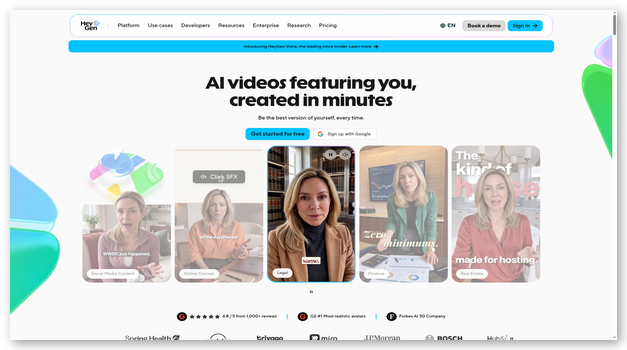
As I evaluated HeyGen, is an AI-powered video generation platform that allows users to create personalized and professional videos with AI avatars. This tool is is an online tool that helps you generate or repurpose videos using AI technologies include digital avatars, text-to-video, and video translations.
Features:
- AI Avatars: It can only be created and shared with express consent and cannot be used to spread content that’s harmful to others.
- Easy Editing: Users can edit and personalize video content easily with intuitive controls for video pacing, background selection, and audio customization.
- Text-to-Video: Users can create videos by simply entering a script, which the AI avatars will then “speak” in a realistic manner.
- Video Sharing: You can easily share videos with your colleagues or clients.
- Integration and API: It often provides API integration, making it easy to connect with other software platforms for automated, large-scale video production.
Pros
Cons
Pricing: Plans start at $24 per month, billed annually ($29 billed monthly)
Free Trial: Lifetime Free Basic Plan
Lifetime Free Basic Plan
3) Genspark
Best for an all-in-one AI workspace
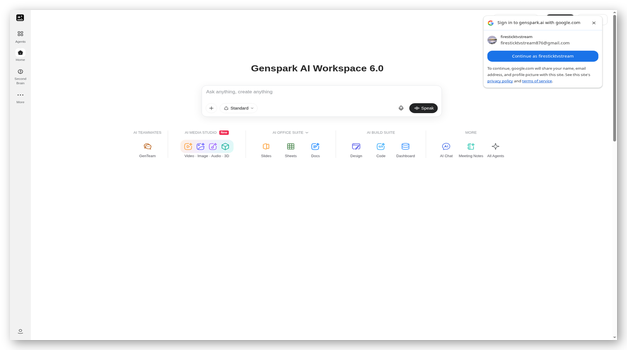
As I explored Genspark, I found an all-in-one AI workspace that brings research, content creation, office tasks, and app building into a single platform. I can move from a question to a document, presentation, spreadsheet, or live dashboard without juggling separate tools.
Its workspace combines AI Chat with tools for images, video, music, audio, meeting notes, and business workflows. Genspark also provides integrations for Google Workspace and Microsoft 365, which makes it practical for both individual productivity and collaborative projects.
Features:
- All-in-One AI Workspace: I can use AI Chat, AI Docs, AI Slides, AI Sheets, and GenMail from one workspace instead of switching between disconnected apps.
- AI Content Creation: It includes dedicated tools for generating and editing images, videos, music, audio, presentations, documents, and social content.
- Build Suite: I can turn prompts into prototypes, code, websites, apps, dashboards, CRM systems, databases, and forms for faster project execution.
- Workspace Integrations: Genspark offers plugins for Google Workspace and Microsoft 365, including PowerPoint, Excel, and Word workflows.
- AI Team: Its GenTeam workspace helps coordinate specialized AI capabilities for multi-step research, creation, and business tasks.
Pros
Cons
Pricing: Contact Genspark for current paid plan details
Free Trial: Free sign-up available
Free sign-up available
4) ChatGPT
Best for generating content using AI
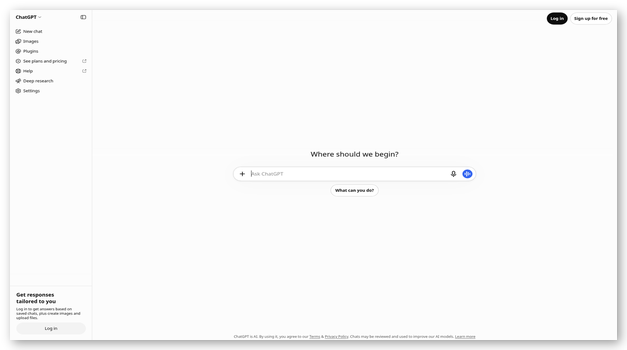
In my opinion, ChatGPT is one of the best generative AI tools for having text-based interactions. I conversationally interact with ChatGPT to find answers for my day-to-day needs.
It uses various databases and common 3rd party resources to gather information about all matters. This AI Software is available on the web, iOS, and Android platforms.
Features:
- Translations: I often use it to translate text, understand the meaning of complicated content, or get summaries of large texts.
- Conversation: It lets me have casual discussions about various topics. I can also utilize its problem-solving and reasoning skills for basic math problems and riddles.
- Chat: The chat-like interface is ideal for asking questions or writing messages. The responses are provided back conversationally.
- Content Generation: It lets me use generative AI capabilities to easily write polished content like blogs, articles, and press releases about various topics.
- Prompts: In my experience, it works well with various prompts to get answers to various queries. It can provide explanations and suggestions and make intelligent guesses using its large database.
Pros
Cons
Pricing: $20 per month
Free Trial: Lifetime Free Basic Plan
Link: https://chat.openai.com/
5) YouWare
Best for generating websites, apps, tools or dashboard using AI
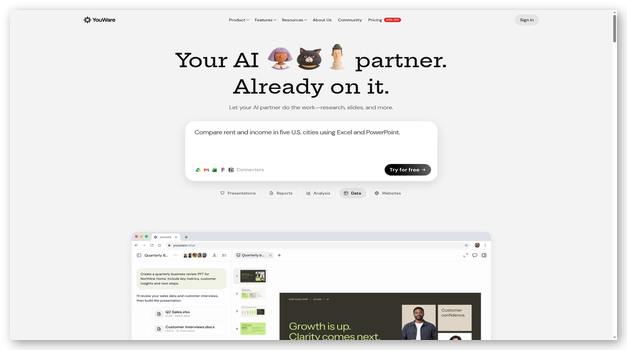
To me, YouWare is the world’s premier AI-powered “vibe coding” platform because it finally eliminated the friction between my sudden sparks of inspiration and actually deploying a profitable business. It moves way beyond the limitations of the traditional drag-and-drop builders I used to use by offering me a true full-stack engineering solution in a box. From pixel-perfect frontends to secure backends and complex database management, I watched YouWare handle the entire infrastructure, enabling me to execute a one-click deployment to my custom domain.
It feels designed for a modern creator like me. Whether I am building internal tools at work or side-hustling on my phone during a commute, YouWare translates my natural language into production-grade code. I didn’t have to configure servers, wrangle APIs, or write a single SQL query. I simply described my vision, and YouWare constructed the logic, integrated payment gateways, and launched the product. It effectively democratized software development for me, transforming it into a playful, creative workflow that turned my raw ideas into sellable products in minutes.
Features:
- Prompt-to-Landing Page: Turning text into traffic. I simply described a business concept (e.g., “create a pet product selling landing page “), and the NLP engine instantly designed, coded, and wrote persuasive copy for a high-converting landing page for me.
- Intelligent Dashboards: Data visualization without the headache. I commanded YouWare to “build a sales tracking admin panel,” and it automatically generated visual charts and connected them to my underlying database.
- Image-to-Prototype: From napkin sketch to live code. Utilizing advanced computer vision, I uploaded a photo of a whiteboard drawing and a design draft, which YouWare interpreted and converted into a fully interactive functional prototype.
- Internal Business Tools: I built enterprise-grade solutions like CRMs, inventory systems, and employee portals. The platform’s “Auto-fix Mode” was a lifesaver, as it proactively detected and resolved bugs during my creation process to ensure stability.
- Figma to Website: The ultimate bridge between design and engineering. YouWare allowed me to import high-fidelity Figma files and instantly converted them into clean, production-ready, deployable code.
Pros
Cons
Pricing: Plans start at $20 per month
Free Trial: 5 projects with 500 credits
5 projects with 500 credits
6) Copilot
Best for guidance and assistance with day-to-day tasks
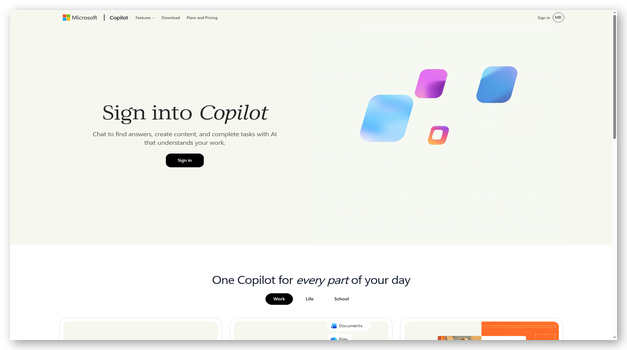
Microsoft Copilot allows me to generate professional-grade content. Its large dataset of diverse information makes it suitable for almost any topic.
I also use it for basic programming tasks to save time. These can be used to quickly create HTML buttons, SVG Icons, or standard sorting algorithms.
Features:
- Search: It uses Bing’s existing data and knowledge to provide factual and latest answers to current weather conditions.
- Windows: Copilot is integrated with Windows 11 as a Beta feature and can be accessed without additional downloads or installations.
- Prompts: It works on my prompts in texts, images, or voice inputs and processes them to provide a detailed text output.
- Generative AI: I can use it to generate original, high-quality content in blogs, poems, stories, and articles about any topic. It can also generate images based on prompts.
- Suggestions: This AI software also provides suggestions about various day-to-day activities like buying gifts, getting recipe ideas, etc.
Pros
Cons
Pricing: Lifetime Free
Link: https://copilot.microsoft.com
7) Google Gemini
Best for using Google’s advanced Gemini LLM
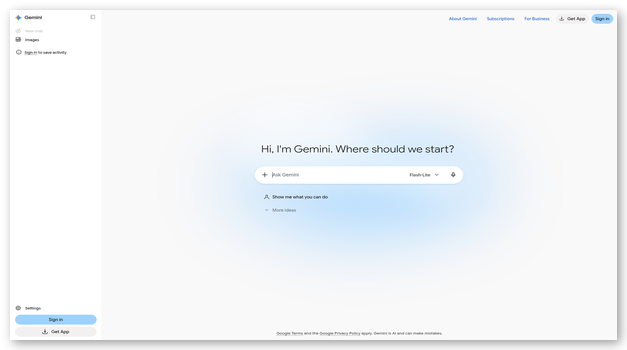
I was impressed by Google Gemini’s ability to get chat-based answers using Google’s extensive knowledge base. This data helps it provide accurate and more relevant responses to your prompts.
I can create public links to all your chats and conversations with Google Gemini. These links can be shared with your friends and family so that they can read my conversations.
Features:
- Regenerate Drafts: If I am unsatisfied with the responses, I can regenerate them. The Regenerate Drafts feature lets me create different answers for the same prompt.
- Images: I can generate images based on a textual prompt of what you want to see.
- Gemini: Google’s advanced Large Language Model, Gemini, helps you significantly better understand text and reasoning and answer your queries.
- Google Services: It has built-in extensions with Google’s services like YouTube, Google Flights, and Gmail. I can use these to perform specific tasks or retrieve information from these tools.
- Activity: Maintains historical records of all your past prompts and responses that can be retrieved and referred to in the future.
Pros
Cons
Pricing: Lifetime Free
Link: https://gemini.google.com/chat
8) Poe
Best for generating responses using multiple LLMs
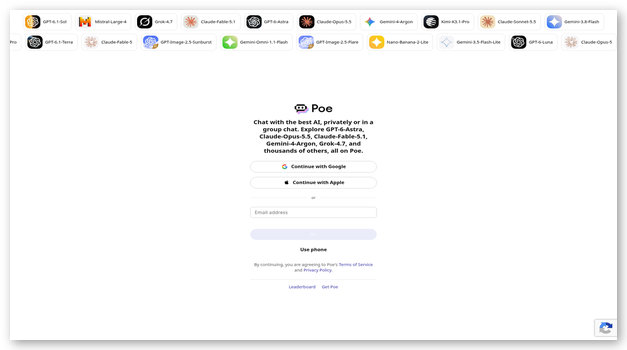
I particularly liked Poe for finding and using various purpose-built chatbots for specific use cases. I can find bots to review resumes, create social media captions, humor, general discussions, etc.
The bot can take inputs like text, voice, and attachments. It is natively available as an iOS, Android, and Windows apps.
Features:
- Monetize: It offers me the ability to monetize my bots to earn revenue whenever someone subscribes to your bots.
- Bots: You can create chatbots with custom functionality, instructions, and use cases. Once created, you can use them again as and when needed.
- Official Bots: It has a vast array of pre-configured official bots, general web searches, chatting, and image generation.
- Models: You can choose from a wide variety of large language models, including GPT-4, Dall-E, Claude, ChatGPT, Llama, etc., for creating bots.
- Customer Support: Their customer support through email is quite responsive and helpful. The support FAQs are simple and easy to understand.
Pros
Cons
Pricing: Plans start at $19.99 per month
Free Trial: Lifetime Free Basic Plan
Link: https://poe.com/
9) PromptPerfect
Best for prompt engineering for AI tools
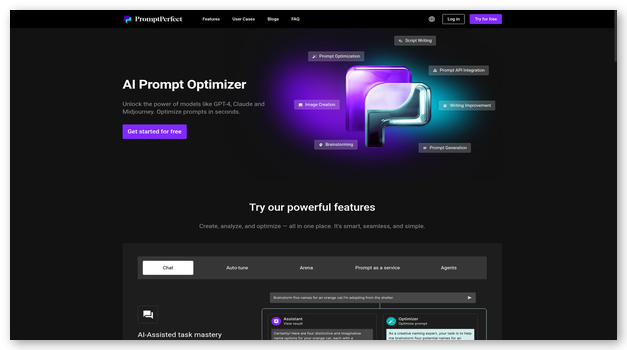
During my tests, PromptPerfect shines in optimizing prompts for language models like ChatGPT. It elaborates and optimizes your basic prompts into detailed instructions that ensure I get ideal results from your chatbots.
I tried it out by providing prompts in any length, format, and language. It could easily understand the context and optimize it to provide me with related content.
Features:
- Models: It has proper support for various models, including ChatGPT, GPT-4, Claude, DALL-E, Midjourney, and JinaChat
- API: The easy-to-use native API is ideal for optimizing, automating, and batch-processing prompts. I can connect it to my existing infrastructure to generate and manage prompts.
- Models: It also lets me compare outputs from different models for the same prompt. I can access exclusive models, such as GPT-4, for free with PromptPerfect.
- Prompts: The prompt building can be configured for multiple goal optimizations like speed, length, and accuracy of the final prompt.
- Speed: The highly optimized pipeline ensures all your prompts are optimized within 10 seconds.
Pros
Cons
Pricing: Plans start at $9.99 per month
Free Trial: 50 Free Credits
Link: https://promptperfect.jina.ai/
Best ML/AI Building Platforms
10) Microsoft Azure Machine Learning
Best for training, testing, and deploying models on datasets
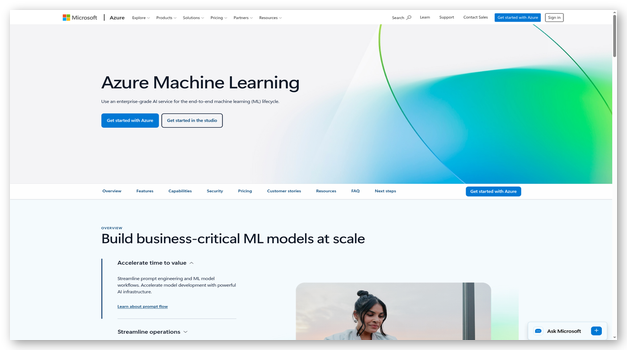
I tested Microsoft Azure Machine Learning Studio, which offers a highly optimized infrastructure for various use cases. The native support for popular tools like PyTorch makes it ideal for developing and deploying models.
While using its server resources and tools it allowed me to scale up or down to meet my work requirements easily.
Features:
- Use Case: It is designed to consider the usage requirements of data scientists, businesses, and engineers.
- Build: I can build models with real-time support for governance, security, and compliance in your AI models.
- Responsible AI: Microsoft Azure lets me use data-driven decision-making techniques for transparency and accountability.
- Workflow: It offers various flexible tools for efficient workflow. I can use Jupyter Notebooks and Visual Studio Code IDE to program quickly on my device.
- Data: It is suitable for accessing, managing, preparing, labeling, and pre-processing large datasets with ease.
Pros
Cons
Pricing: Contact Customer Support For Pricing
Free Trial: Yes, 12 Months for Free Services + $200 Credits for 30 Days Trial of Paid Services
Link: https://azure.microsoft.com/en-us/products/machine-learning
11) Viso
Best AI software for computer vision-related use cases
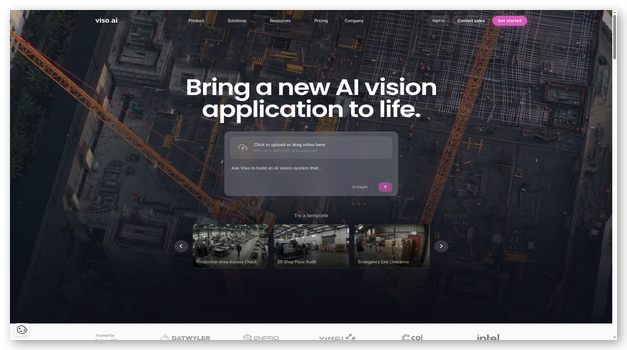
I was impressed by Viso’s specialization in Computer Vision based Artificial Intelligence tools. It provides pre-built models and allows me to build your own AI models. Multiple teams can collaborate to create and operate various AI models in a single place.
This service offers various transportation, agriculture, healthcare, and retail solutions. It has a pre-existing selection of 55+ popular, pre-trained models for all use cases.
Features:
- Edge AI: The advanced edge AI infrastructure is suitable for building AI-efficient solutions for decision-making in edge environments.
- Scalable: It is designed to be scalable and capable of handling all my growing needs without requiring many changes.
- Privacy: The privacy-friendly policies and compliance with GDPR ensure that my valuable collected data and algorithms remain entirely private and safe.
- No-Code: It is a no-code platform to build, develop, and deploy computer vision-driven systems.
- Hardware: Advanced high-performance hardware (like GPUs) helps automate and accelerate the lifecycle of your computer vision applications.
Pros
Cons
Pricing: Contact Customer Support for Pricing
Free Trial: Companies can contact support for approval of a free trial. However it has a free Demo.
Link: https://viso.ai/
12) IBM WatsonX
Best for high-performance tools for AI and ML
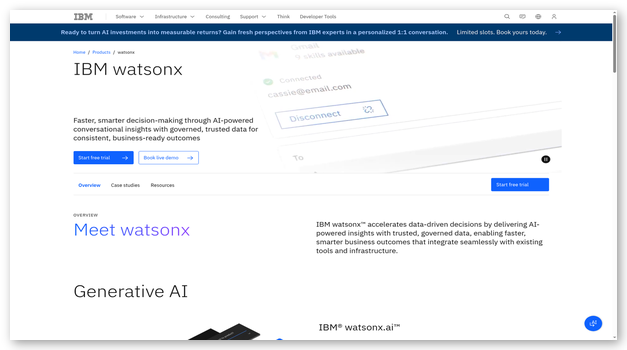
IBM’s WatsonX offered me easy-to-deploy and embed AI-driven solutions across various platforms. I can use its hybrid cloud infrastructure with tools to easily extend AI applications across your business easily.
This Machine Learning platform offers standardized and scalable tools that are ideal for hassle-free implementation and usage with my software stack.
Features:
- Scale: The core components of this Artificial Intelligence platform include various foundation models. I also get tools to implement AI and machine learning.
- Business: This AI platform is designed for upscale businesses and enterprises, and it has tools and services to meet all business needs.
- AI Lifecycle: I can easily monitor, check, and govern your data, algorithms, and applications. The dashboard lets me easily manage and monitor all AI activities across your firm.
- Technology: WatsonX is designed to utilize the most widely accepted and open technologies. These ensure greater compatibility, ease of use, and better legal compliance when building software.
- Tools: Various pre-built tools can be deployed easily in my existing applications. These include WatsonX Assistant, which helps create an AI-driven chatbot to manage customer requests.
Pros
Cons
Pricing: Contact Customer Support For Pricing
Free Trial: No, only provides Free Demo
Link: https://www.ibm.com/watsonx
13) C3.ai
Best for enterprise-grade AI development projects
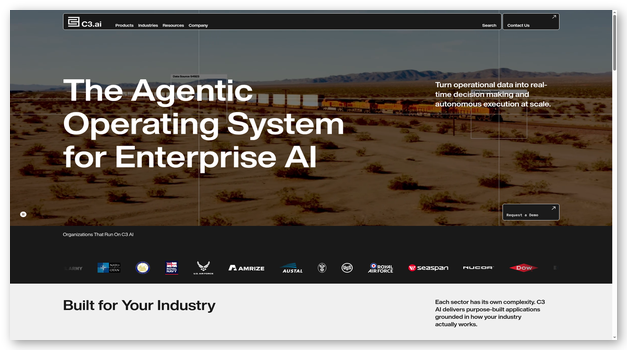
As I evaluated C3.ai, I started loving the specifically builds tools and applications to meet the critical needs of enterprises. The key areas of application include manufacturing, governance, and finance.
I can use these tools to maximize revenue and improve efficiency for my business.
Features:
- Use Case: It provides AI-driven tools for various use cases, including supply chain management, financial services, sustainability, oil and gas, etc.
- Development: I can develop them easily using industry-standard tools like Jupyter Notebooks, Scala, R, and Python for your work management.
- Coding: It eases our coding and development by allowing me to use your preferred tools for development, like Visual Studio.
- Low Code: The advanced pre-built tools, models, and other useful tools ensure you write less code for developing, deploying, and operating AI models.
- Business: It offers high-quality pre-built advanced models for various business needs. You can use it for demand forecasting, reliability, Customer Relationship Management (CRM), and schedule optimization.
Pros
Cons
Pricing: Contact Customer Support For Pricing
Free Trial: No, Only Free Demo Available
Link: https://c3.ai/
Best AI Audio Enhancers
14) Moneypenny
Best for professional customer service and call handling
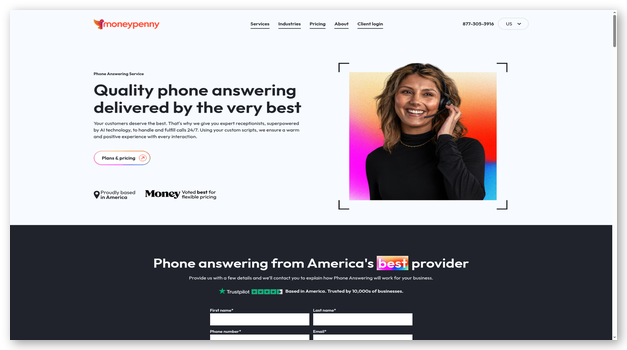
In my experience, Moneypenny is ideal for businesses looking to enhance their customer service with professional call handling and virtual receptionist services. With AI-powered features, I can efficiently manage customer inquiries and provide 24/7 support without compromising quality.
In addition, it lets me quickly integrate with existing business systems and provides detailed reporting on call handling performance across multiple communication channels.
Features:
- 24/7 Live Answering: It provides round-the-clock professional call answering services with trained receptionists handling customer inquiries.
- Call Screening: The AI-driven call screening automatically filters and routes calls based on priority and business requirements, ensuring important calls reach the right person.
- Integration: It integrates with existing CRM systems and business tools to maintain consistent customer data and communication history.
- Multi-Channel Support: The platform handles calls, live chat, and other communication channels from a single interface.
- Detailed Reporting: Advanced analytics and reporting tools provide insights into call volumes, response times, and customer satisfaction metrics.
Pros
Cons
Pricing: Plans start at $145 per month
Free Trial: Yes, 7 Days
7-Days Free Trial
15) LANDR
Best for mixing and creating music
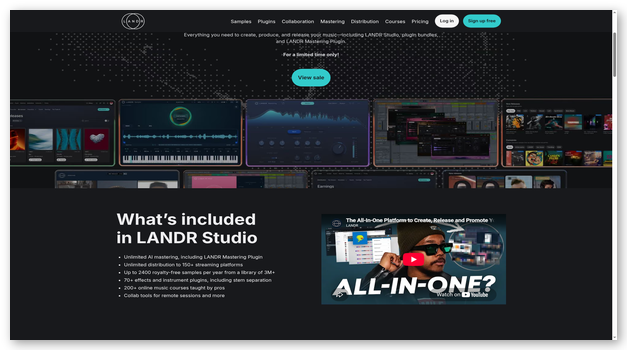
In my experience Landr is ideal for creating original music, editing existing tracks, and remastering audio using AI. With time-saving AI tools, I can effortlessly create music and remaster existing audio.
In addition, it lets me quickly release my music to multiple places with its built-in support for over 150 streaming platforms globally.
Features:
- Samples: It provides a library of 2 million royalty-free samples for creating audio and music.
- Mastering Engine: The AI-driven mastering engine automatically analyses and makes required edits to my audio. This saves me a lot of time and gives me a near-perfect result almost every time.
- Collaborate: It allows me to easily collaborate with my teams and clients by sharing and receiving feedback via notes and videos.
- Plugins: The built-in plugins offer a variety of audio effects, track alignment, and pitch adjustments.
- Courses: It comes bundled with high-quality courses on professional-grade audio tools, recording, and marketing my content.
Pros
Cons
Pricing: Plans start at $19.99 per month
Free Trial: Lifetime Free Basic Plan
Link: https://www.landr.com/
16) Adobe Audition
Best for AI-driven audio restoration, mixing, and recording
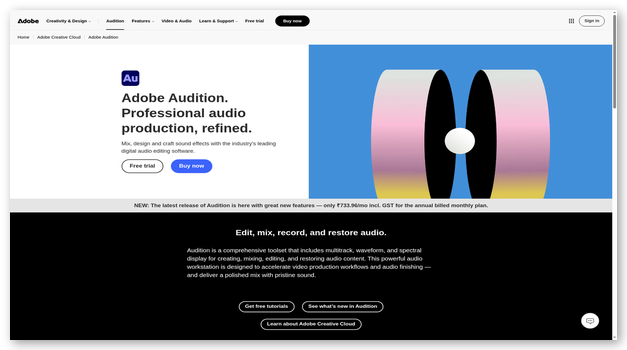
I found Adobe Audition to be among the best artificial intelligence software for editing, cutting, and mastering audio for various use cases like music, movies, and podcasts.
It provides 100 GB of cloud storage for efficiently storing, accessing, and sharing my files. I used it to remove all white noise and unwanted background audio from my sample video with just a click.
Features:
- Sensei: Adobe Sensei automatically analyses and edits my music to the desired length. Besides, it can also adjust volumes of music and dialogue as needed.
- Generative AI: It provides me with generative credits which vary based on the service. In their AI tools like Adobe Firefly, I can use these credits to edit, generate, and modify images within seconds.
- Plugins: The extensive library of third-party plugins allows me to implement any custom use case or feature as needed.
- Transfer: Once my audio is ready, I can easily import it into other Adobe apps like Premier Pro or After Effects for usage in video content.
Pros
Cons
Pricing: $22.99 per month
Free Trial: Yes, 7 Days
7-Days Free Trial
17) ElevenLabs
Best for audio cloning and changing
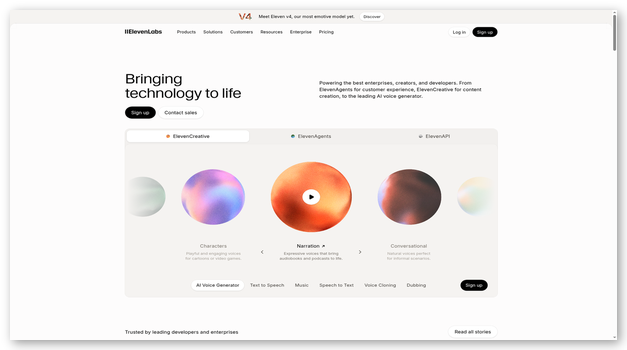
I consider ElevenLabs as an AI software that instantly creates, modifies, edits, and clones audio tracks. I can create custom voices and get my content in any voice I choose.
This is ideal for converting long-form written content into audiobooks automatically. The advanced AI voice generator can auto-convert any text into audio.
Features:
- Languages: I can create audio in 29 popular languages and 120 pre-existing voices. In addition, I can define your custom voices as needed.
- Creation: After providing the text and choosing the settings, its efficient algorithms create the audio within a few seconds.
- Instant Results: It executes and provides the results in just a few seconds, saving you time and accelerating your workflow.
- Audio Generator: The advanced audio generator ensures natural voice, tone, and expressions. I can choose emotions for the audio to make it more realistic and human-like.
Pros
Cons
Pricing: Plans start at $6 per month | Contact Customer Support for additional pricing options
Free Trial: Lifetime Free Basic Plan
Lifetime Free Basic Plan
18) Observe.AI
Best for analyzing, transcribing, and interpreting calls
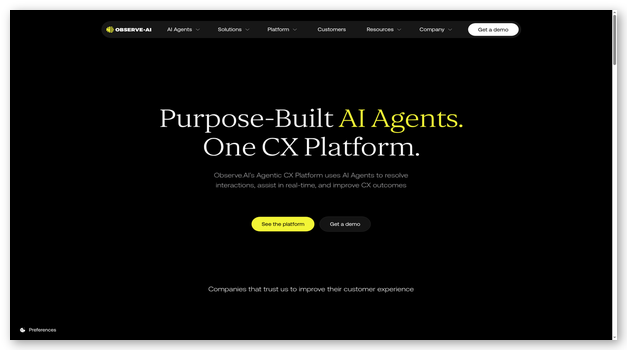
I tested Observe.AI and am a fan of their AI-driven automation in call centers to reduce waiting times. Its advanced communication tools help you significantly accelerate customer issue resolution times.
All the call data gets stored and analyzed to provide me with insights. These insights include the category of queries, frequency of a particular query, and common complaints.
Features:
- Business Decisions: The data is automatically analyzed and provided to me in the form of reports. I can use it for data-driven decision-making in various business aspects.
- Analytics: It helps you improve the performance of the workforce. The data-driven reports provide real-time advice, guidance, and tips for fast, effective, and clear communication.
- Knowledge base: The AI-driven knowledge base automatically suggests relevant documentation and guidance to the agents. This helps provide better support and reduce hold times.
- Assistance: It provides real-time assistance to the support agents to help them improve customer experience.
Pros
Cons
Pricing: Contact Customer Support for Pricing
Free Trial: No, a Free Demo is available.
Link: https://www.observe.ai/
Best Artificial Intelligence (AI) Writing Tools
19) WriteSonic
Best for GPT-4 based factual and personalized writing
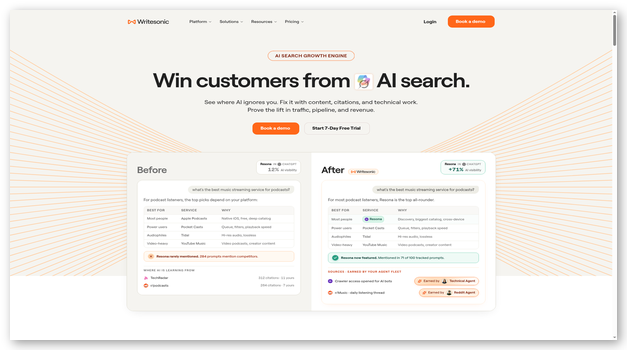
I was impressed by WriteSonic’s Artificial Intelligence software for generating quality content or paraphrasing existing writing. It helps produce different types of content based on your use case requirements.
I found it useful for creating long-form blogs, ads, case studies, and product descriptions easily. This helps build highly configurable content from basic prompts explaining your requirements.
Features:
- SEO: It has built-in support for SEO optimization. The optimizations ensure I can easily target your primary keywords and rank better.
- Brand Style: I could use it to create and define your brand style, followed by all the content created for you. It will create content based on your tailored guidelines.
- Paraphrasing: The tools allow you to quickly paraphrase content to make it sound more professional and polished.
- Source: All the written content is sourced from the latest information from Google. This ensures the most up-to-date information is used to build my article.
Pros
Cons
Pricing: Plans start at $79 per month, billed annually
Free Trial: Lifetime Free Basic Plan
Lifetime Free Basic Plan
20) QuillBot AI
Best for paraphrasing written content
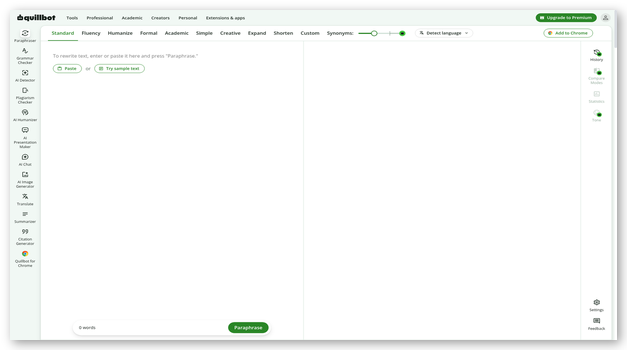
During my analysis I found Quillbot is ideal for paraphrasing your written content to improve fluency, plagiarism, and vocabulary. I used it to remove plagiarism from my content and improve my writing quality.
This AI software offers browser extensions for most popular browsers like Chrome. I can use Quillbot to paraphrase content in 26 popular languages globally.
Features:
- Integrations: In my experience, the browser extensions to paraphrase and rewrite content from any site worked perfectly. It also offers add-ons for Google Docs and MS Word.
- Tones: Quillbot lets me choose a tone for your writing as needed. You can select from standard, fluency, formal, and expand options.
- Synonyms: It lets me choose the extent to which synonyms are to be used. I can use it to fine-tune your writing.
- Freeze: It lets me freeze certain input parts that will remain unchanged even after paraphrasing.
- Tools: This AI software offers additional tools for grammar checking, such as translation, plagiarism detection, and citation generation.
Pros
Cons
Pricing: Plans start at $9.95 per month
Free Trial: Lifetime Free Basic Plan
Link: https://quillbot.com/
21) Jasper
Best for AI-assisted marketing content generator
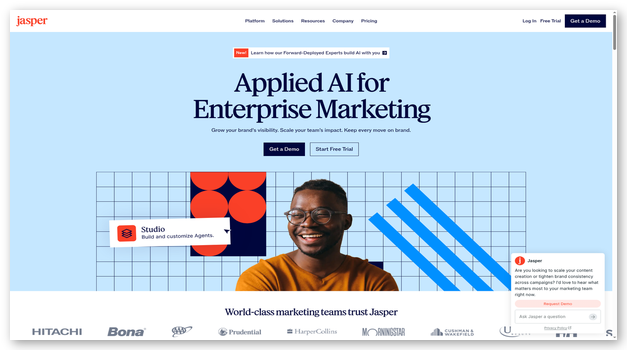
I recommend Jasper as one of the top Artificial Intelligence tools for creating and marketing content easily. The various collaboration tools are suitable for teams at larger organizations and enterprises.
I could easily configure tone, objectives, and description to create professional-looking, high-quality content within a few seconds.
Features:
- Integrations: It has native integrations for using Google Docs, Google Chrome, and many other 3rd party tools.
- Campaigns Dashboard: Jasper allows me to create, monitor, and manage campaigns. The data-driven tools let me optimize and fine-tune campaigns for an ideal performance.
- Marketing: Marketers can easily use it to create professional-looking Ad copies and engaging marketing content.
- Style Guide: It lets me create my style guide with writing and formatting principles to be followed. Jasper will remember and implement these details in all generated content.
- Images: During my testing, I was able to create images for your content using text-based prompts easily. These images can be used to support my content better.
Pros
Cons
Pricing: Plans start at $69 per month, per seat
Free Trial: Yes, 7 Days
Link: https://www.jasper.ai/
22) Copy AI
Best for writing marketing copies
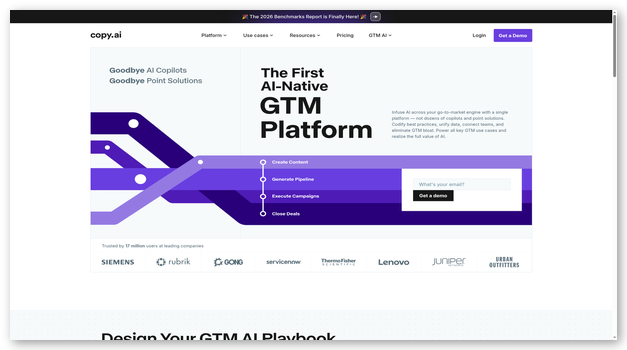
Copy AI’s advanced tools help simplify and automate workflow. It helps improve marketing performance while reducing the burden on my shoulders. A zero-data retention policy ensures no one stores or accesses your critical data and analytics.
Marketing OS helps automate repetitive processes, personalize messages, and improve efficiency. Sales OS is suitable for email outreach and meeting preparations.
Features:
- Integrations: It supports over 2000 integrations in popular tools and services like Instagram, Excel, and Zoom.
- Personalized Campaigns: I can create and run highly customized marketing campaigns with a unified automated workflow.
- Marketing: Its latest AI technology creates and implements actionable steps for marketing with personalizing strategies. The AI-driven systems automatically create and distribute content for maximum reach.
- Blog: I can provide a reasonably basic content brief, and it will automatically convert it into a full-length blog.
Pros
Cons
Pricing: Plans start at $29 per month
Free Trial: Lifetime Free Basic Plan
Link: https://www.copy.ai/
Best AI Tools for Social Media Management
23) Hootsuite Insights
Best for social media analytics
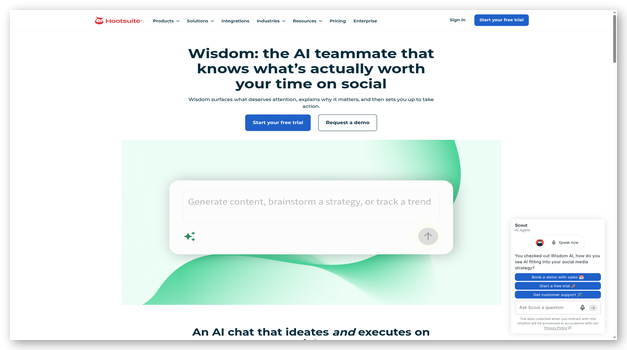
In my experience Hootsuite Insights is ideal for analyzing your performance and conversions on all social media platforms. I can automatically configure and schedule posts for all social media platforms.
I instantly generated captions with it, which gave me high engagement. It will also ensure the right tone and voice for the task. This AI software helps optimize posts to improve engagement and conversions.
Features:
- Repurpose: I can provide data for my best-performing social media posts for repurposing. Its AI will analyze the same and will generate similar posts without duplicity.
- Success Rate: It analyses and understands the reasons behind your most successful posts and uses them to replicate the success.
- Templates: The wide range of pre-built marketing templates are ideal for quickly creating professional-looking posts.
- Writing: Hootsuite’s advanced OwlyWriter is an AI-driven tool for the content creation process for social media. It provides you with many winning ideas for all social networks.
Pros
Cons
Pricing: Plans start at $1188 ($99 per month)
Free Trial: Yes, 14 Days
14-Days Free Trial
24) Sprout Social
Best for managing a social content calendar
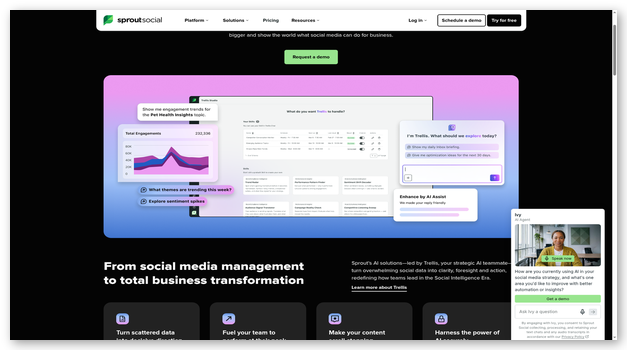
I love Sprout Social’s AI-driven systems that take over your workflow and automate tasks. Its advanced tools are ideal for interacting and engaging with my audience.
Automation, insights, and tools help my business grow. These tools ensure higher customer engagement across all social media platforms.
Features:
- AI: The proprietary AI with more than ten years of historical data lets me gain insights and provide accurate recommendations.
- Insights: The advanced AI algorithms analyze business performance and provide data-driven insights to help me with decision-making.
- Analytics: Its detailed analytics, optimized creative calendar, and increased conversions help you improve performance and boost revenue.
- Discover Issues: It automatically analyzes customer insights to understand the most critical issues and tailor agent responses.
- Interactions: This AI software reduces your burden and ensures timely task competition and ideal results. I can create AI-driven chatbots for Twitter and Facebook DMs.
Pros
Cons
Pricing: Plans start at $199 per month, per seat
Free Trial: Yes, 30 Days
Link: https://sproutsocial.com/ai/
25) Ocoya
Best for writing social media captions and ad copies
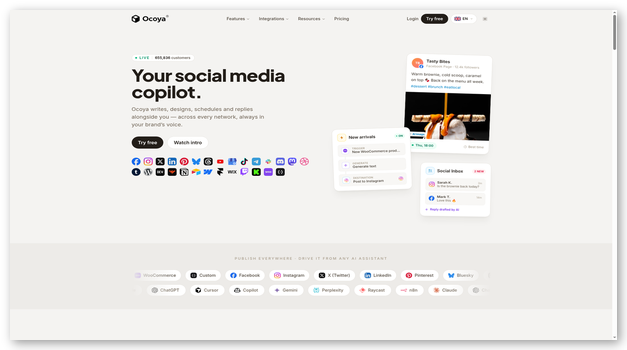
Throughout my assessment, Ocoya performed brilliantly with real-time data and insights about the performance of your social media content across various platforms. It can generate engaging and interactive marketing content in 26 popular languages.
This AI tool provides thousands of images and video templates as a starting point for quickly creating marketing content.
Features:
- Social Media: I can easily create, design, and publish content for social networks with just one click.
- Scheduling: It effortlessly schedules my content to publish at specific times across all popular platforms.
- Integrations: I was able to connect over 30 popular integrations like Instagram, Facebook, Twitter, Shopify, WooCommerce, and more.
- Maximum Reach: It uses advanced AI-driven technologies to find and use engaging hashtags and captions in my posts. These are designed for maximum reach, engagement, and customer acquisition potential.
Pros
Cons
Pricing: Plans start at $29 per month
Free Trial: Yes, 7 Days
7-Days Free Trial
26) Flick
Best for social media marketing
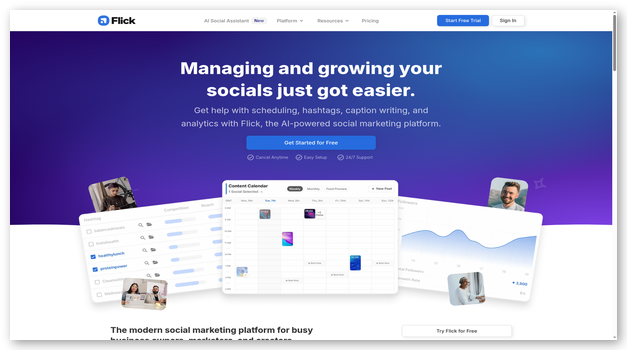
I recommend Flick, is an Artificial Intelligence software that provides detailed analytics, insights, and reports on various social media performance metrics. This helps me analyze and improve shortcomings and improve conversions.
The default templates are a great starting point for creating social media posts. The advanced post scheduler allows me to plan and schedule content for publishing easily.
Features:
- Content Calendar: I can build a proper content calendar to plan, create, schedule, and manage content for publishing.
- Generated Content: Its advanced generative AI capabilities allow you to create post captions on social media content more quickly.
- Guidance: I can use their learning resources to study marketing and get tips from industry experts who are growing businesses.
- Hashtags: It automatically generates highly engaging and niche-relevant hashtags to maximize reach and audience engagement.
Pros
Cons
Pricing: Plans start at £14 per month
Free Trial: 7 Days
7-Days Free Trial
Best AI Image Generators
27) DeepAI
Best for typing a prompt and generating images
During my evaluation, DeepAI was among the best generative AI platforms for creating images. I can provide textual prompts and create realistic images as needed. It offers various image styles, such as fantasy, portrait, and painting.
You can select a style that matches your requirements and provide textual prompts to generate images. Moreover, I used its image editor to upload existing images and make edits.
Features:
- Chat: You can use DeepAI to converse with a chatbot and create AI-driven stories, messages, programs, and more.
- Information: It can provide knowledge, guidance, and explanations on almost any topic.
- Edits: I can specify certain things to implement, and the AI will automatically make changes within seconds using advanced image editing capabilities.
- Chat Modes: It lets me interact with various chat modes. The modes include travel guides, debates, interviewers, comedians, etc.
- API Access: It provides proper API access to let me integrate with my services and products easily.
Pros
Cons
Pricing: $9.99 per month ($7.50 per month billed annually), with pay-as-you-go credits also available
Free Trial: Lifetime Free Basic Plan
Link: https://deepai.org/
28) Canva Free Online AI Image Generator
Best for choosing various styles and looks for images
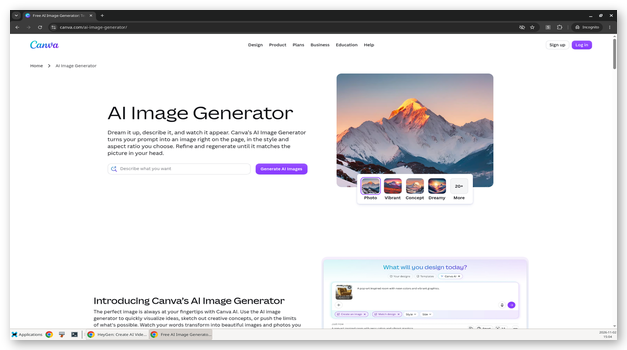
According to my review, Canva is one of the best AI-driven online image generators for creating synthetic images. It provides various image-generation tools with unique qualities. I can use the AI tool that best suits your needs.
The images can be specially sized and designed in specific places like presentations, social media, word files, and marketing banners.
Features:
- Generate Media: I can provide Canva with a text prompt, and it will generate AI-driven images and videos.
- Magic Media: Magic Media uses Stable Diffusion to create different variants and lets me choose based on your preferred look.
- Styles: I can specify any image styles, dimensions, sizes, and formats based on your use case requirements. These styles include paintings, 3D, watercolor, and photographs.
- Content Safety: Multiple checks ensure the content is ethical and socially acceptable.
Pros
Cons
Pricing: Plans start at $14.99 per month
Free Trial: Lifetime Free Basic Plan
Link: https://www.canva.com/ai-image-generator/
29) Craiyon
Best for high-speed image generation
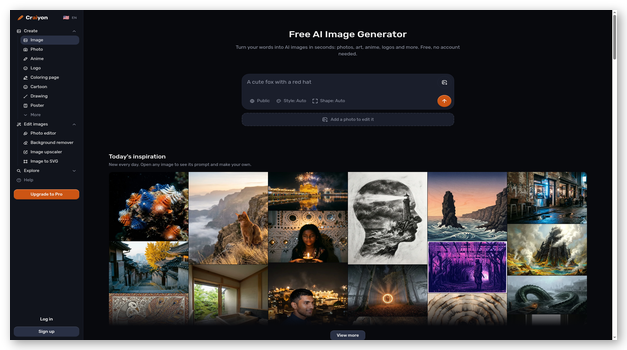
In my experience, Craiyon is an ideal AI tool to generate images instantly by typing a prompt for your desired image. This tool uses advanced AI models to draw it with perfection.
Its interactive newsletter shares updates about the latest happenings in AI models and image generation technologies.
Features:
- Art Styles: I can use millions of art styles and realistic designs for each image prompt.
- Download: I can freely save, download, and share your generated images.
- Upscale: If I like a generated image, I can upscale it to receive it in a much sharper resolution.
- Database: I can search their database for pre-existing AI-generated images about the relevant keywords.
- Discover: It lets me quickly find the most recent Creations from other users on the platform to get ideas.
Pros
Cons
Pricing: Plans start at $6 per month
Free Trial: Lifetime Free Basic Plan
Lifetime Free Basic Plan
30) Adobe Firefly
Best for generating or modifying existing images
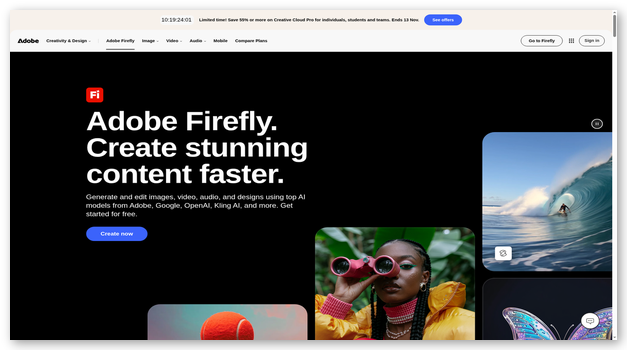
I discovered Adobe Firefly offers various tools to create, modify, and regenerate images using advanced AI models. Its text-to-image engine takes a text prompt and uses the information to create realistic images.
During my research, this image generator allowed me to create attractive styles, textures, and art in words and phrases. The AI-driven technology creates very complex textures and patterns within seconds.
Features:
- Generative Fill: I can use generative fill to add, modify, or edit parts of your existing images.
- Recolor: It can recolor any pre-existing vectors and images into a color scheme of your choice.
- Integrations: This tool can integrate with a suite of Adobe apps such as Photoshop, Illustrator, and Adobe Express.
- Edits: The advanced AI algorithm automatically applies shades and color adjustments as needed.
- 3D: It allows me to create images through proper interactive positioning of elements in 3D spaces.
Pros
Cons
Pricing: $4.99 per month for 100 monthly credits
Free Trial: Lifetime Free Basic Plan (25 Monthly Credits)
Lifetime Free Basic Plan
Best AI Tools for Video Editing
31) Invideo AI
Best for generating video and audio
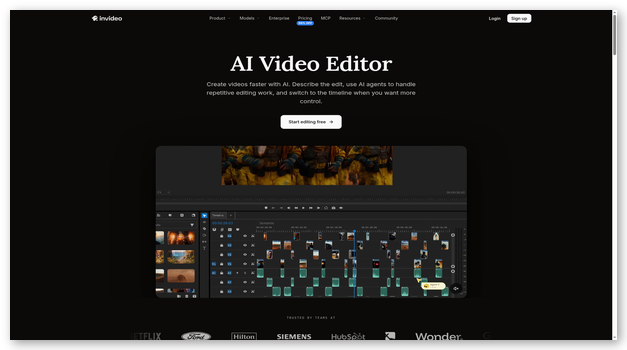
As I evaluated Invideo AI, I became a fan of their ability to create quality videos and audio for social media, branding, and marketing. Using their advanced AI tools, I succeeded in creating full-length videos for YouTube, TikTok, and many other platforms.
It can also generate narration, scenes, and background for my videos. I can also specify narration tone and accent and tune various parameters.
Features:
- Scripts: It can generate scripts for YouTube videos on almost any topic using its large knowledge base.
- Voice: The voice generator creates human-like audio, saving me the cost of hiring voice actors or performing voiceovers yourself.
- Storage: Provides cloud storage for storing, sharing, and collaborating with friends on your files.
- Edits: It helps you save a lot of time when performing video edits by providing text commands.
- Automation: The advanced AI model understands your commands and automatically executes the tasks, saving you much time.
Pros
Cons
Pricing: Plans start at $20 per month
Free Trial: Lifetime Free Basic Plan
Lifetime Free Basic Plan
32) Pictory
Best for AI-powered video creation and editing
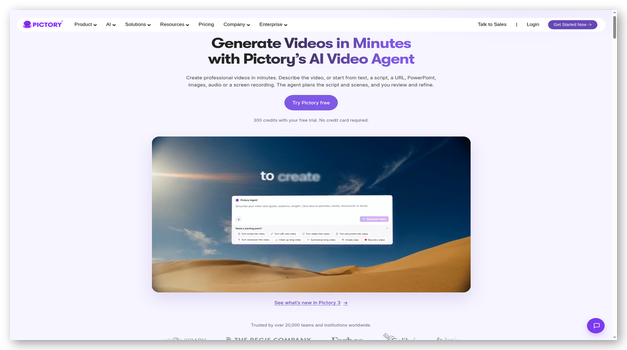
As I explored Pictory I was impressed by its ability to transform text into engaging videos effortlessly. Whether converting blog posts into video content, summarizing long recordings, or editing videos using text-based commands, Pictory provides an intuitive AI-powered experience.
I found it particularly useful for creating branded content, promotional videos, and educational clips for platforms like YouTube, Facebook, TikTok, Pinterest and WhatsApp The AI-driven voiceover feature allowed me to add realistic narration in different accents and tones, making my content even more professional.
Features:
- Text-Based Editing: Edits videos by modifying the transcript, making it easy to remove unnecessary segments.
- AI Voiceovers: It generates natural-sounding narration in multiple languages, reducing the need for human voice actors.
- Video Summarization: Creates short highlight reels from long-form content like webinars and podcasts.
- Brand Customization: It Allows adding logos, colors, and fonts for personalized branding in videos.
- Social Media Optimization : You can creates content specifically designed for platforms like YouTube, TikTok, Pinterest and WhatsApp.
Pros
Cons
Pricing: Plans start at $25 per month
Free Trial: 14 days
14-Days Free Trial
33) Synthesia
Best for creating videos from scratch with no editing skills
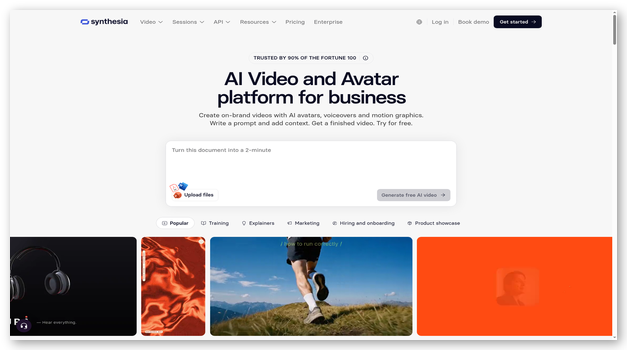
I checked Synthesia and found it to be one of the best Artificial Intelligence software for video editing. I am provided 160+ realistic AI avatars to choose from. These avatars would be used as presenters and characters in my generated videos.
It offers over 120 voiceover languages for background narrations and character voices. The audio is available in 400+ expressive AI voices.
Features:
- Create Videos: I can provide a textual prompt of your desired video content. Its AI automatically understands context and creates a professional-looking video.
- Multiple Tools: It offers various AI tools to create and edit videos without manually making changes.
- Format: I can also resize and format the videos for any platform. It can automatically adjust content for YouTube, TikTok, Instagram, and other platforms.
- Brand Assets: Synthesia lets you upload your branded assets and styles to align the video more with my brand’s style.
- Stock Library: The native stock library is ideal for easily finding and adding elements to your videos.
Pros
Cons
Pricing: Plans start at $19 per month
Free Trial: Lifetime Free Basic Plan
Lifetime Free Basic Plan
34) Kapwing
Best for image and video editing
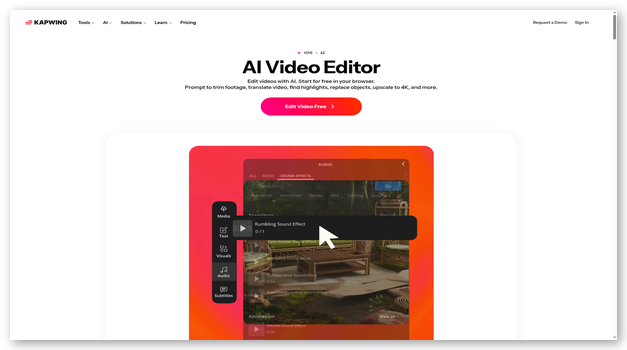
In my opinion, Kapwing is among the best AI-driven tools for automatically transcribing audio and creating accurate subtitles synced with your video feed. I can use its AI tools to generate images from textual prompts and use these images in your media.
It lets me easily create B-rolls from your pre-existing videos, giving my videos much better quality and perspective.
Features:
- Editing: It allows me to edit, trim, and enhance your videos with AI-powered tools in almost no time.
- Text Edits: You can provide text-based guidance for what to do, and the AI will automatically execute your instructions.
- Video Slides: I can generate artificial videos based on textual prompts and basic outlines.
- Pre-existing Content: If you already have any documents, text files, blogs, or articles, you can use them as a base to create videos based on them.
Pros
Cons
Pricing: Plans start at $16 per member per month
Free Trial: Lifetime Free Basic Plan
Lifetime Free Basic Plan
35) VEED
Best video editor tool
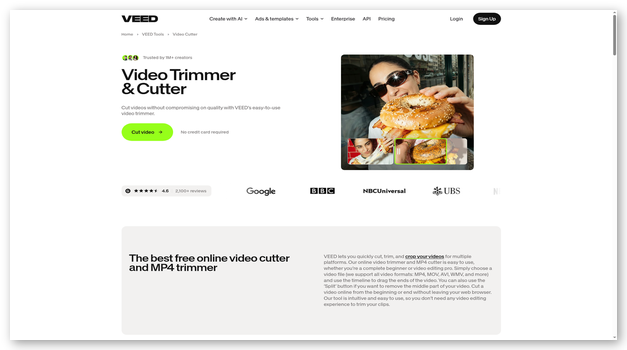
VEED is a powerful AI software that allows me to record and edit videos effortlessly. I could record both my screen and webcam feed without any hassle. It offered me an advanced video editor, which helped me crop, trim, and cut videos for different platforms quickly. In fact, it is a great tool to ensure videos are perfect for social media sharing.
Features:
- Easy-to-Use Interface: The user-friendly interface allows me to quickly access and manage different tools while editing.
- Video Format Support: It supports multiple video formats like MP4, MOV, AVI, and WMV. This allows flexibility in handling various types of media files.
- Multiple platform support: The tool lets you cut and format videos for platforms like Instagram, YouTube, TikTok, and more.
- Add captions and subtitles You can cut videos and add subtitles or captions to your videos, perfect for enhancing accessibility.
- Generate Videos: I can use VEED’s AI to generate high-quality videos while saving time and money.
Pros
Cons
Pricing: Plans start at $25 per month
Free Trial: Lifetime Free Basic Plan
Link: https://www.veed.io/tools/video-cutter
Best AI Development Software for Code Generation
36) Hostinger Horizons
Best for AI-powered web development and hosting solutions
During my review, Hostinger Horizons impressed me with its AI-powered web development platform that combines hosting services with intelligent development tools. I can use its AI capabilities for website creation, code generation, and deployment in one environment.
The platform offers intelligent code suggestions, automated optimization, and automated deployment workflows that significantly reduce development time while maintaining high-quality standards.

Features:
- AI Code Generation: It provides intelligent code suggestions and auto-completion for multiple programming languages including HTML, CSS, JavaScript, PHP, and Python, helping me write cleaner and more efficient code.
- Integrated Development Environment: The platform offers a cloud-based IDE with AI-powered features that allow me to develop, test, and deploy applications without switching between different tools.
- Automated Optimization: Hostinger Horizons automatically optimizes my code for performance, security, and SEO, ensuring my websites load faster and rank better in search engines.
- Smart Deployment: The AI-driven deployment system automatically handles server configuration, database setup, and SSL certificate installation, so I didn’t have to set up the server by hand.
- Intelligent Monitoring: It continuously monitors my applications and websites, providing real-time insights and automatically suggesting improvements for better performance and user experience.
Pros
Cons
Pricing: Plans start at $6.99 per month
Free Trial: Yes, 7 Days
7-Days Free Trial
37) GitHub Copilot
Best for saving time and writing efficient code
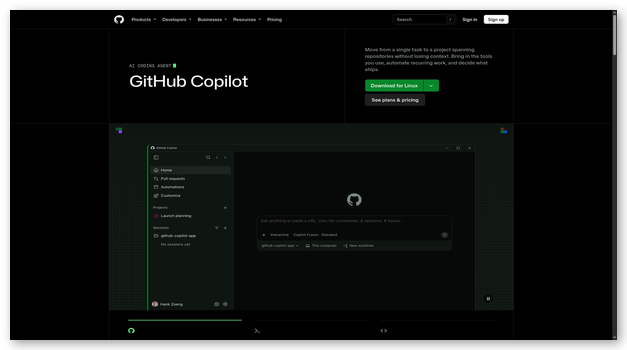
I recommend GitHub Copilot is an AI-driven assistant that helps programmers write code, debug errors, and find relevant information from documentation. I can easily type textual prompts to perform tasks.
The advanced AI can automatically read and analyze the code to check for security vulnerabilities. It will automatically rewrite and improve code for security.
Features:
- Integrations: It integrates effortlessly with the most popular IDEs. These include VS Code, Neovim, Visual Studio, and JetBrains.
- Real-time: It provides real-time suggestions using AI to help speed up your coding and save time.
- Context: The large language models easily understand the context and situation and write code for me accordingly.
- Documentation: GitHub Copilot understands company documentation and helps me understand and find answers quickly.
- Privacy: All my prompts and generated codes are kept completely private. Your data is never stored or shared with anyone.
Pros
Cons
Pricing: Plans start at $10 per month
Free Trial: Lifetime Free Basic Plan
Link: https://github.com/features/copilot
38) Amazon Q Developer (formerly CodeWhisperer)
Best IDE with integrated AI assistant
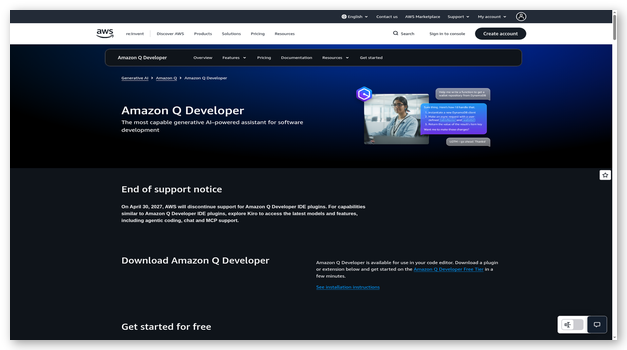
I was able to use Amazon Q Developer to generate code based on my basic prompts in many programming languages. It gave me basic snippets to full functions written via AI within seconds.
It can integrate well with your pre-existing command line interface and utilize its intelligent command line completions to accelerate your coding process.
Features:
- Confidence: It automatically analyses your code in real time to make suggestions or recommendations.
- Analysis: Real-time code analysis helps detect any vulnerability early. This ensures your code is written in a high-security, risk-free manner.
- Integrations: It integrates with various tools, including VS Code, PyCharms, AWS, and more.
- Accuracy: I can provide Amazon Q Developer with additional information like packages, APIs, and libraries. This information will be used to provide me with even better suggestions.
- Amazon Q: The AI-driven Amazon Q tool helps you understand the code better. You can get explanations of code, translations, and personalized suggestions for improving the code.
Pros
Cons
Pricing: $19 per user per month for the Pro tier
Free Trial: Lifetime Free Tier for individuals
Link: https://aws.amazon.com/q/developer/
Best AI Image Enhancers
39) Pixlr
Best for actions like background removal
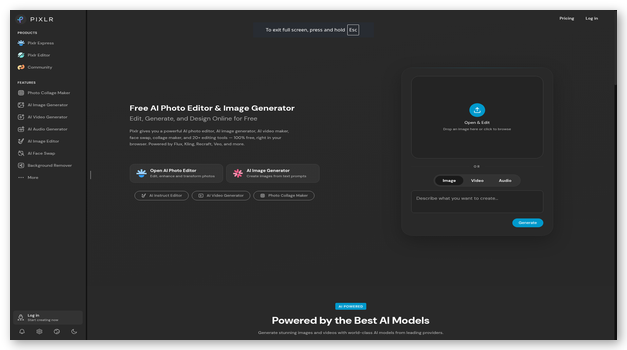
As I carried out my evaluations, Pixlr shined as the best tool for removing background or unwanted distractions in the image and replacing them with AI-generated content. The generative AI capabilities allow me to generate images from text.
I can create captivating artwork and realistic images within seconds. It can expand my image beyond its scope and use AI to predictably fill the expanded empty region.
Features:
- Tools: It offers AI-driven tools for image generation and photo editing easily.
- Image Edits: I can use its advanced technology to perform bulk edits, remove backgrounds from images, and animate them.
- Grid Maker: It automatically designs stylish grids for all my images. These are ideal for sharing on social media, advertisements, or prints.
- Generative AI: It offers a built-in selection of one-click edits to apply to your images instantly. These actions include background removal, object removal, face swap, generative fill, and touch-ups.
- Effects and Filters: The built-in effects and filters are ideal for easily changing the images’ look, feel, and overall vibe.
Pros
Cons
Pricing: Plans start at $1.99 per month
Free Trial: Yes, 7 Days
Link: https://pixlr.com/
40) Cutout.Pro
Best for API-driven actions over images
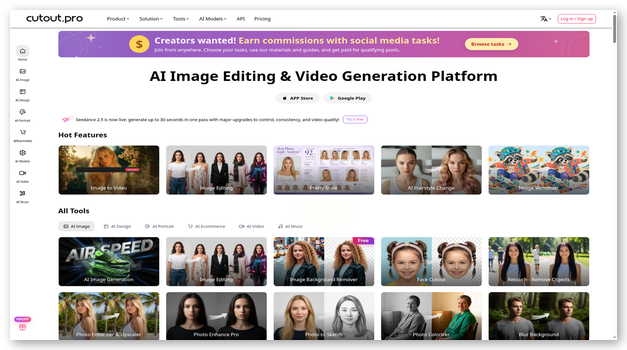
I love Cutout.Pro as it offers built-in Artificial Intelligence based image enhancement tools. It can analyze and understand issues in the photo and automatically apply the fixes. These changes make the images look more presentable.
Its capabilities allow me to improve the image’s quality, colors, and resolution. The advanced object detection automatically distinguishes background and subject.
Features:
- Creativity: Cutout.Pro’s AI tools can use a rough sketch to create realistic and detailed images based on it.
- AI Generation: It can easily use its generative capabilities to create images from textual prompts.
- Style: The stylization tools can help convert my normal photos into portraits, change colors and tons of images, or convert them into cartoons.
- Remove Objects: This feature can remove the background and extract the subject in photos and videos. The generative fill technology fills the gap with artificially created graphics to match the cut part.
- Images Search Engine: The reverse image search engine allows me to search images and find their source and every site where it is being reused.
Pros
Cons
Pricing: Plans start at $5.00 per month
Free Trial: 5 Free Credits
5 Free Credits
41) Remini
Best for AI image editing and face enhancing
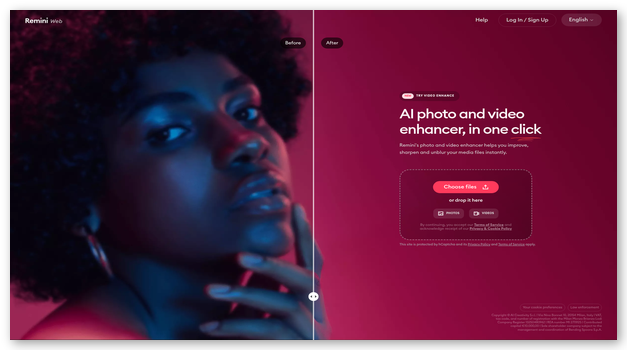
During my evaluations, Remini was among the best tools for enhancing, color grading, and sharpening images. I can easily enhance the face, add details, and improve the overall look of the face with one-click edits.
It can also remove any imperfections from your images. The video enhancer can apply scaling, enhancements, and various other techniques to uplift the overall quality of videos.
Features:
- Unblur: I can easily reduce blur from your photos. It converts them into high-quality ultrasharp images.
- Restore Old Photos: Any old photos with low resolution or high noise can be easily restored to modern quality standards.
- Image Enlarger: It lets me upscale low-resolution images into high-quality 4k images. It automatically adjusts boring, dull-looking images into bright, attractive ones.
- Device Support: It provides proper support for web, Android, and iOS devices.
- API: Businesses can use their API to integrate image and video-enhancing capabilities into their services and software.
Pros
Cons
Pricing: Plans start at $6.99 per week
Free Trial: Lifetime Free Basic Plan
Link: https://remini.ai/
Best AI Face Generators
42) Generated Photos
Best Realistic Human Face Generator
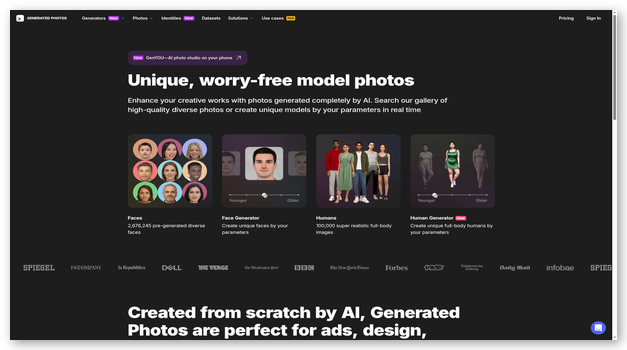
I was impressed by Generated Photos‘ advanced AI-driven tool to create synthetic faces and humans. It lets me specify parameters to create faces as needed. The advanced AI algorithms can easily produce more than 11 million variants of any face.
It can create a face based on your chosen demographics. I can choose gender, age, skin tone, hair, ethnic origin, etc.
Features:
- Human Generator: It allows me to create full-body humans using various parameters. You can even upload a custom face image that will be applied to the body mockup.
- Facial Features: The generated faces can be modified with various facial expressions and characteristics. I can make the face older/younger, happy/sad, and more.
- Anonymizer: It lets me instantly upload a face photo and generate synthetic twins with similar facial features.
- API: The API is perfect for instantly integrating your services and software stack to generate images.
Pros
Cons
Pricing: Plans start at $19.99 per month
Free Trial: Yes, 3 Days
3-Days Free Trial
43) Fotor
Best for generating faces based on description
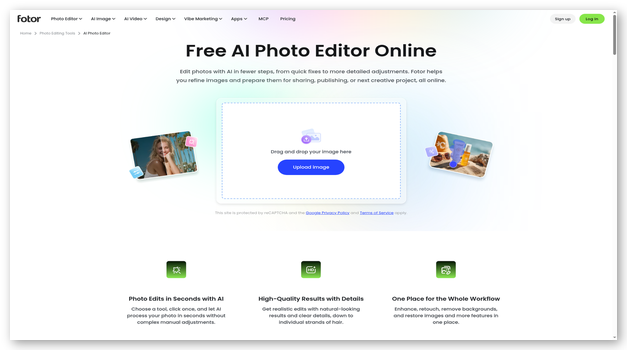
I found Fotor to be an ideal artificial intelligence software for creating faces based on your descriptions. If you have a pre-existing idea or reference image, you can upload it on Fotor. It can create similar images with various changes and modifications made via text input from you.
I used it to custom design the photos to fit all my needs. In addition, it lets me upload different hairstyles and hair colors to customize your head pose and skin tones.
Features:
- Generate Faces: You can generate images by providing them with textual prompts with appropriate descriptions of the face.
- Performance: Its high-performance systems generate unique and realistic images within seconds, saving you time.
- Edits: It lets you easily upload your photos and perform edits, including upscale enhancements and background changes.
- Faces: I can create AI faces for various purposes, including marketing content, mockups, profile pictures, etc.
- Style: All images can be created in various styles, including 3D, art, anime, and paintings, to meet my use case requirements.
Pros
Cons
Pricing: Plans start at $8.99 per month
Free Trial: Lifetime Free Basic Plan
Lifetime Free Basic Plan
44) PicsArt
Best for generating images with multiple styles
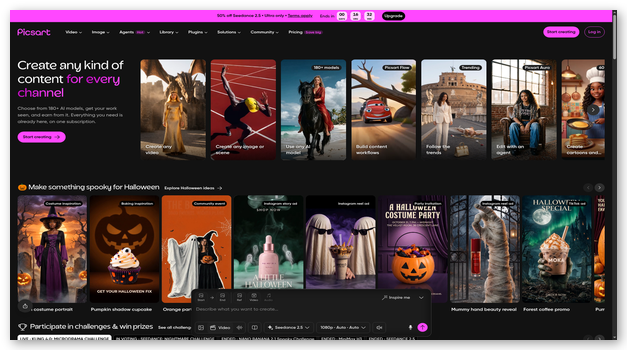
In my experience, PicsArt is among the top Artificial Intelligence software picks for this review because of its ability to separate foreground from background. I can easily remove the surroundings and put the image on a different backdrop.
It is designed to be perfect for various business use cases like fashion, beauty, food, health, and education. This is among the best AI programs with device support for Android, iOS, and web-based platforms.
Features:
- AI Enhance: Improve my existing images’ lighting, sharpness, and detailing using AI-driven enhancements.
- Generate Images: I can generate completely synthetic images by providing a text prompt of my requirements.
- Context: The AI-driven tools can understand the context of the image and generate new backgrounds to match it.
- Templates: It offers many high-quality, ready-to-use design templates to create images effortlessly.
- Creative Community: The large creative community of 150 million+ people is ideal for interacting, sharing ideas, and getting advice easily.
Pros
Cons
Pricing: Plans start at $13 per month
Free Trial: Lifetime Free Basic Plan
Link: https://picsart.com/
45) NightCafe
Best for instant image generation
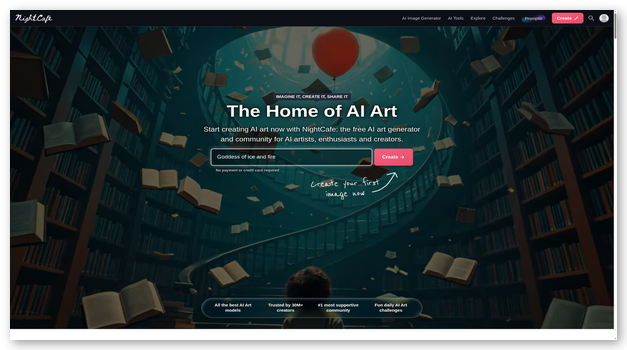
I evaluated NightCafe and thoroughly enjoyed its ability to generate images instantly. I can use this tool to create art by providing it with a text prompt. It produces various variants to match my description.
I can interact with other people and create AI images on the platform. This AI image generator works on the web as well as mobile devices.
Features:
- Communicate: I can create or join chat rooms to communicate with friends and acquaintances.
- Discover: It creates, discover and finds art other people create on the platform. This can be later used for my own purposes as well.
- Bulk Creation: The built-in support for bulk actions allows me to create multiple images across various prompts simultaneously.
- Models: It utilizes various models to create a wide range of images. The generated images rely on DALL-E, Stable Diffusion, VQGAN+CLIP, and many more.
Pros
Cons
Pricing: Lifetime Free
Link: https://creator.nightcafe.studio/
Best AI Email Management Tools
46) Mailmodo
Best for writing engaging emails and automating marketing
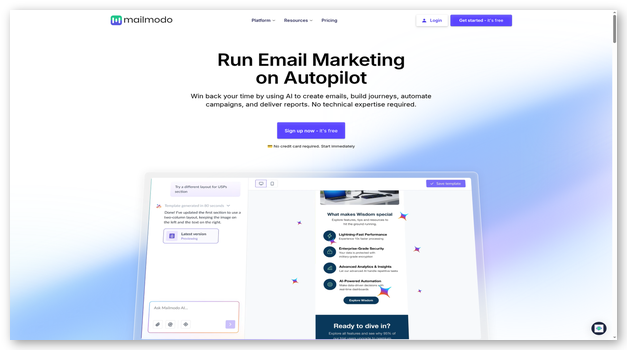
I tested Mailmodo and found it to be the perfect AI software to collect, receive, and share data about your email performance. I provided it with analytics and insights to help me understand and improve my emails.
This AI software uses advanced data interpretation technologies to help segment audiences. It helps understand audience behavior and sends highly targeted and personalized emails.
Features:
- Elements: It helps add more than 20 interactive elements to my email for better marketing. These elements include trackers, polls, calendars, and quizzes.
- Marketing: The marketing emails sent by Mailmodo help increase conversions and open rates for your customers.
- Automation: Its advanced automation, personalization, and scheduling tools help save time and improve efficiency.
- Email Builder: The email builder allows me to create attractive emails easily without requiring the services of a designer or programmer.
- Automation: Its automated actions and optimizations ensure my emails are highly successful in terms of delivery and open rate.
Pros
Cons
Pricing: Plans start at $149 per month, billed annually
Free Trial: Yes, 21 Days
21-Days Free Trial
47) SaneBox
Best for removing spam and identifying important mail
I recommend SaneBox as an ideal AI tool to manage and maintain your email inbox. I use it for Gmail, iCloud, Office365, or any other email account to connect and manage my inboxes.
It automatically monitors, manages, and cleans your email inbox. This ensures spam, scams, and unwanted marketing emails are automatically filtered out.
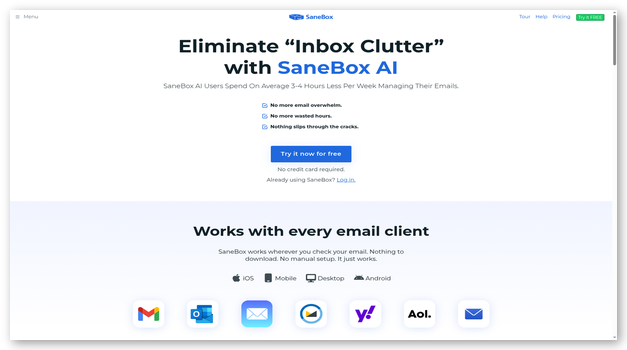
Features:
- Unwanted Mail: All the unwanted emails are stored in a separate folder to ensure I can access them. It keeps all spam in a folder separate from the inbox, ensuring my main inbox looks clean and tidy.
- Security: This tool analyses your email account’s critical data, and files are handled and managed with the highest security and privacy standards. The independent security audits ensure its proficiency in handling your data with complete security.
- Updates: It sends you daily updates about every action taken. You can create special filters and actions to ensure your inbox is managed completely.
- Behavior: SaneBox automatically analyses and understands my behavior to have a better understanding of what I like and dislike. This knowledge is used to personalize my inbox with high precision.
Pros
Cons
Pricing: Plans start at $3.49 per month
Free Trial: Yes, 14 Days
14-Days Free Trial
48) Levity
Best for categorizing emails and personalizing responses
In my opinion, Levity is an ideal Artificial Intelligence software that automatically checks all emails I receive and divides them into various categories. Automated workflows help save time and improve efficiency.
Its LLMs can automatically understand the context and help me write contextual replies to your emails. This saves time and helps improve the quality of responses.
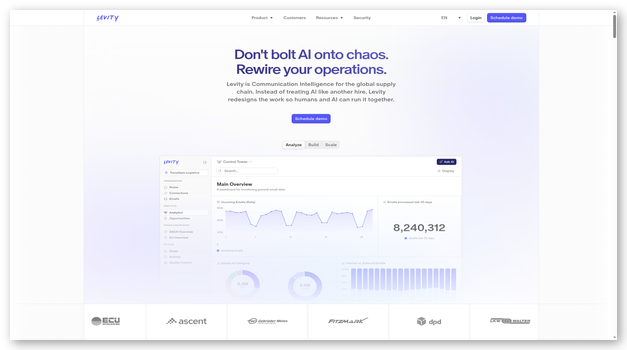
Features:
- Automation: I can automate various customer interactions. It allows me to speed up the quoting process and reduce turnaround times significantly.
- Integrations: It integrates with popular 3rd party services like Gmail, Outlook, and Salesforce.
- Summarize: Emails with long texts and large attachments can be time-consuming. It automatically condenses and extracts information for my use.
- Advanced actions: Levity’s AI-driven technologies can help generate replies, summarize emails, extract data, and classify emails.
- Algorithms: The AI algorithms automatically extract critical information from lengthy emails and make it accessible, saving you time.
Pros
Cons
Pricing: Plans start at $99 per month
Free Trial: Lifetime Free Basic Plan
Link: https://levity.ai/
49) Zoho Desk
Best for automating email support service
I recommend Zoho due to its variety of artificial intelligence software solutions for business needs. It helps improve relations with customers by constantly tracking their needs and requirements. This data help me optimize my business.
The built-in analytics tools help me understand the biggest customer issues and common complaints. It maintains complete compliance with GDPR, HIPAA, and CCPA.
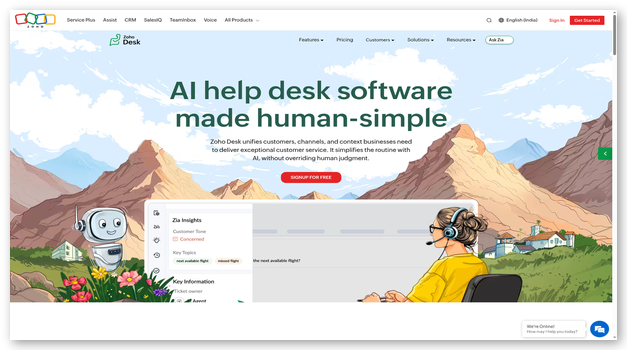
Features:
- Device Support: I can use it online via its web portal and on popular mobile platforms.
- Workflow: Its advanced workflow builders and automation tools help reduce the burden on the workforce. This improves efficiency and provides better timely responses to customers.
- Integrations: It integrates with various tools and services like Zapier, Intercom, Mailchimp, and Shopify.
- Scale: The tools are designed to be scalable and capable of easily handling the needs of small, medium, and large businesses.
- Customer Support: It helps improve customer support by providing powerful tools and context.
Pros
Cons
Pricing: Plans start at $20 per month, per user
Free Trial: Yes, 15 Days
Link: https://www.zoho.com/desk/
Best AI Tools for Meetings & Meeting Assistants
50) Fireflies.AI
Best for automatically taking meeting notes
I consider Fireflies.AI as an ideal tool for recording, summarizing, and sharing the details of a meeting. I used it during one of my work meetings and it provided me with short clips of the key highlights of the meeting. These can be easily shared with others via shareable links.
The advanced data tools automatically analyze meetings and provide valuable data. This data can include metrics like speaker talk time, monologues, etc.
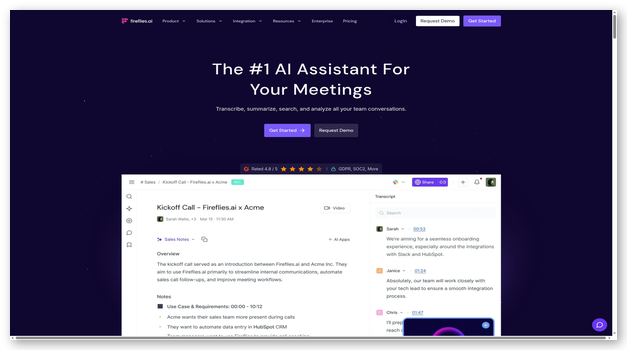
Features:
- Transcribe: It automatically transcribes my meetings across video conferences, apps, normal calls, and audio files.
- Manuscripts: I can use audio and video files to create manuscripts within seconds via its AI-driven tools.
- Integrations: I can integrate it easily with popular 3rd party services like Google Meet, Zoom, and RingCentral.
- Collaborate: Fireflies.AI allows me to collaborate with my workforce through interactive tools like comments, pins, and reaction support.
- Automation: It lets you automate tasks after meetings by creating workflows for creating notes, recordings, and highlights. This helps reduce delays and ensures a better flow of information across the business.
Pros
Cons
Pricing: Plans start at $18 per month, per seat
Free Trial: Lifetime Free Basic Plan
Lifetime Free Basic Plan
Best Conversational AI Tool for Sales
51) Conversica
Best for creating conversational digital assistants
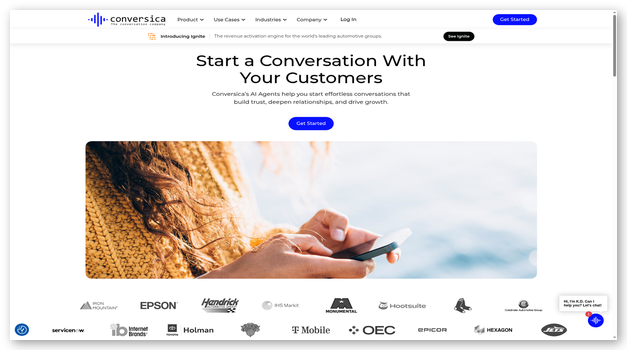
In my experience, Conversica’s advanced multi-model AI platform is suitable for having conversations with customers. I can create chatbots that interact and engage with people to convert website visitors and retain existing customers.
The highly interactive and engaging conversations help extract untapped revenue potential. These tools actively interact and keep all customer requirements in check.
Features:
- Leads: Conversica helps better retain outbound leads and convert them into actual customers. It is smart and automatically takes action to improve retention and reduce customer loss.
- Capabilities: This AI tool can understand your business requirements and product intricacies and provide all the information needed to serve your customers.
- Communication: Its multi-lingual, multi-channel, and multi-integration support ensures customers are reached and served with the least resistance.
- Models: This service uses various Large Language Models like GPT to understand the context and provide appropriate replies in chat.
- Time: It ensures reduced wait times, saves costs, and improves customer experience.
Pros
Cons
Pricing: Contact Customer Support For Pricing
Free Trial: No, but you can request for a demo
Link: https://www.conversica.com/
Best AI Customer Support Software
52) Tidio
Best for combined human and AI for support
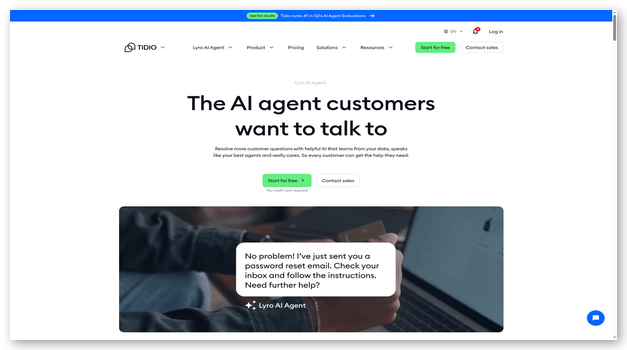
Tidio offered me an advanced Artificial Intelligence-based conversational platform for chatting. It is capable of handling complex customer inquiries without human intervention. It helped me convert more leads, provide better support, and increase profits.
The fast and scalable nature of communications with Tidio helps reduce customer wait times and average response duration. It proactively engages with customers to maximize retention and lifetime value.
Features:
- Conversations: It has a claimed success rate of 70% in solving customer problems. Customers can access it in 7 different languages for greater accessibility.
- Integrations: The native integrations with popular services like Mailchimp, WordPress, Shopify, and Wix are ideal for smooth and hassle-free usage.
- Templates: It provides 35+ pre-defined chatbot templates to quickly set up and integrate chat in your existing workflow environment.
- Response Time: The quick average response time of about 6 seconds ensures customers are always engaged and satisfied.
Pros
Cons
Pricing: Plans start at $29 per month
Free Trial: Lifetime Free Basic Plan | 7 Day Free Trial | 50 Free Conversations
Lifetime Free Basic Plan
Best AI Trading Platforms & Software
53) Tickeron
Best for analysis, education, and engaging with traders
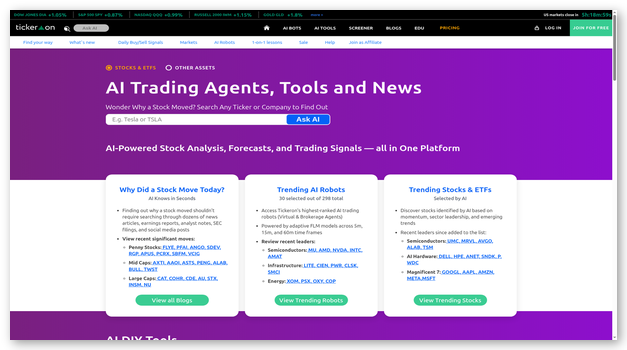
I was impressed by Tickeron‘s AI robots for reviewing statistics, trades, and other market parameters. The AI-driven analysis gives you an extra edge when making investment decisions.
Its virtual account robots have advanced money management capabilities. These tools automatically managed my brokerage and balances for your trades.
Features:
- Pattern Search: The pattern searching capabilities help analyze end-of-day patterns, confidence levels, and other metrics.
- Portfolios: I can use the model portfolios to find the best asset allocation using AI.
- Stock Screener: The stock screeners help find the confidence level of stocks relevant to you within minutes.
- Predictions: Its predictive tools perform data analysis and give you the latest trends and market insights. This data paints a complete market picture to help me make the right choices.
Pros
Cons
Pricing: Plans start at $90 per month
Free Trial: Lifetime Free Basic Plan | Yes, 14 Days
Lifetime Free Basic Plan
Best AI Tool for Human Resources
54) Paradox
Best for faster recruitment and time-saving
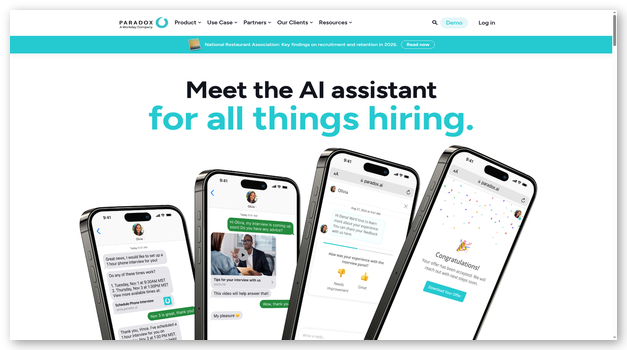
During my analysis, Paradox shined as one of the top Artificial Intelligence tools for HR management and recruiting. This helps speed up the recruiting process, ensuring candidates remain informed and don’t drop off easily.
It can be used to communicate effectively with employees and candidates in more than 30 languages around the globe.
Features:
- Scheduling: The AI-driven tools automatically schedule interviews at suitable times and ensure candidates turn up on time.
- Time: It saves time in candidate screening, selection, and hiring process. Businesses can use it to decrease costs and improve hiring quality.
- Integrations: I can choose from their range of native integrations like Workday and SAP.
- Decision Making: This AI tool helps me make the right hiring decisions by providing proper highlights and assessments of all candidates.
- Suggestions: The candidates are provided suggestions for jobs with relevant requirements, company profiles, and other valuable details.
Pros
Cons
Pricing: Contact Customer Support For Pricing
Free Trial: No, but offers a free demo
Link: https://www.paradox.ai/
What Are AI Tools and How Do They Work?
AI tools apply trained models to writing, analysis, media, and code. They predict useful outputs from instructions, examples, files, or context. Some generate content, while others classify, summarize, search, or automate. General assistants cover many tasks but may lack specialist controls. Dedicated products often add templates, integrations, permissions, and review steps. Every result reflects training data, prompts, settings, and available evidence. Users should verify important claims before relying on generated material. The best choice depends on work, risk, budget, and oversight.
What are AI Tools and their functions?
AI tools utilize modern technologies such as Deep Learning and Convoluted Neural Networks to perform various tasks. Based on your use case, their functions could include data analysis, forecasting, content generation, and automation.
You can use AI tools to accelerate existing tasks, reduce expenditure, minimize reliance on the human workforce, make better decisions, and improve quality. The best AI tools can help generate/edit audio, video, photos, perform customer relationship management, and more. You can also use AI tools to forecast market trends, classify data, distinguish objects/people, etc.
Types of AI Software
AI Software is of various types. Some AI software examples include:
- Computer Vision: It involves object detection and classification in videos or images. You can use it to identify humans, objects, and animals.
- Development: AI development platforms provide high-performance hardware and pre-built models for various use cases. You can use these tools to create new models, optimize existing models, and run tests on large datasets easily.
- Deep Learning: The Deep Learning tools utilize various technologies like RNN and CNN to extract deep features and make better detections.
- NLP: Natural Language Processing helps AI models understand human language. You can use these to interpret textual prompts better or use existing data to generate human-like content.
- Machine Learning: Machine Learning is used to help machines make better decisions without human intervention. They can understand data inputs and make suitable decisions to achieve the desired results.
How Do You Choose the Right AI Tool for Your Needs?
Begin with the task you repeat and the risk involved. Then compare tools using evidence from realistic sample work carefully.
- Workflow fit: Choose tools matching your actual inputs, outputs, and review steps.
- Output quality: Test accuracy, consistency, formatting, and editing effort across examples carefully.
- Privacy: Check retention, training settings, permissions, and deletion controls before uploading.
- Integration: Confirm the product connects with applications your team already operates.
- Cost: Compare usage limits, seats, credits, add-ons, and renewal prices carefully.
- Support: Review documentation, response channels, onboarding, and account recovery options carefully.
What should you look for when choosing AI Software?
Some of the key things to consider when choosing an AI software include:
- Use Case: Most AI tools are purpose-built for specific industries and use cases. Identify your objectives and use case and find a tool that best matches your needs.
- Integrations: It is best to look into integrations and compatibility of your AI tools to ensure that they work well with your existing software stack.
- Performance: Always look into the resources it would consume, such as your bandwidth, processing time, etc. You should ensure that it takes up minimal resources and is highly efficient.
- Pricing: You should choose services with versatile pricing options that offer good value for money and match your present and future scale requirements.
Ethical Implications of Using Artificial Intelligence Software
While AI software has many advantages, its issues, threats, and disadvantages can’t be ignored. Any AI-generative content comes under the ethical implication of not being real, as it is generated synthetically without human supervision.
Furthermore, AI powers are also being misused to generate fake news, realistic deep fakes, and more. This is not ideal for privacy and safety. Its rapid face and effectiveness are a threat to the jobs of many actual humans as well.
In case AI makes a mistake or is algorithmically biased, there is no clear way of making someone responsible or punishable for the decisions. AI can also be integrated into warfare to make weapons even more lethal.
Such concerns surround artificial intelligence with serious ethical implications. Almost all of the globe now has unrestricted access to and usage of AI tools, but we may see stricter rules in the future.
Are Free AI Tools Good Enough for Everyday Work?
Free AI tools can handle drafting, summaries, brainstorming, translation, and simple analysis. Limits usually affect usage volume, speed, models, storage, or integrations. Some free plans also restrict commercial rights or advanced privacy controls. Begin with representative files rather than harmless demonstration prompts alone. Check whether outputs remain exportable after reaching a usage limit. Paid plans make sense when work requires higher capacity or governance. Teams should compare complete costs across every overlapping subscription carefully. Free access works best for learning, occasional tasks, and evaluation.
How Can You Avoid Paying for Overlapping AI Subscriptions?
Start by listing every AI subscription and its actual weekly tasks. Several general assistants now cover writing, research, images, and file analysis. Specialist products deserve payment only when their results save meaningful effort. Compare outputs using the same prompts, files, and acceptance criteria. Cancel tools that duplicate work without improving quality or control. Check annual contracts before removing products from a shared workflow. Keep one general assistant and add specialists for proven gaps. Review the stack quarterly because capabilities and pricing change frequently.
How Can You Protect Private Data When Using AI Tools?
Treat every uploaded file according to its sensitivity and ownership. Never paste confidential material before reviewing the provider’s data terms.
- Retention: Check how long prompts, files, and generated outputs remain stored.
- Training: Confirm whether submitted content can improve provider models by default.
- Access: Require appropriate permissions, authentication, and administrator controls for shared accounts.
- Deletion: Test whether users can remove conversations, files, and connected data.
- Integrations: Limit connected applications and review permissions after workflow changes regularly.
- Governance: Create rules covering approved tools, prohibited data, review, and incident reporting.
How Do You Check Whether an AI Answer Is Accurate?
Treat an AI answer as a draft until evidence confirms it. Ask the tool to separate facts, assumptions, calculations, and recommendations clearly. Open cited sources and confirm they support the specific statement. Check dates because models can mix current and outdated information. Recalculate important numbers with a trusted spreadsheet or independent method. Compare high-impact answers with primary documentation or qualified human review. Watch for confident language that hides missing evidence or uncertainty. Record corrections when teams reuse prompts or automated workflows later.
How Can AI Tools Fit Into Existing Business Workflows?
Begin with one business workflow that has clear inputs and outcomes. Map where information enters, who reviews it, and where results move. Add AI at the repetitive step causing measurable delay or rework. Connect applications only after testing permissions, mappings, and failure behavior. Keep a human approval point before customer, legal, or financial actions. Log prompts, outputs, edits, and exceptions for important processes carefully. Measure time saved alongside accuracy, correction effort, and user satisfaction. Expand automation only after the pilot remains dependable under normal volume.
What Are AI Agents, and When Should You Use Them?
AI agents can plan steps, operate connected tools, and pursue defined goals. They suit repeatable workflows involving research, files, messages, or application updates. Agents need narrow permissions because mistakes can spread across connected systems. Start with read-only access and require approval before external actions. Define stopping rules, budgets, escalation paths, and acceptable output formats. Monitor logs instead of judging only the final result produced. Avoid agents for unclear policies or decisions requiring personal accountability. Reliable automation begins with constrained tasks and clear observable checkpoints.
Who Owns Content Created With AI Tools?
Ownership of AI-generated content depends on contracts, jurisdiction, and human contribution. Provider terms may grant different rights across free and paid plans. Copyright protection can remain uncertain when work lacks meaningful human authorship. Uploaded references may also carry licenses that restrict commercial reuse. Keep records showing prompts, edits, sources, permissions, and approval decisions. Avoid requesting close imitations of protected artists, brands, or characters. Businesses should review important campaigns with qualified legal counsel first. Clear internal rules reduce disputes over attribution, reuse, and client ownership.
Can Small Businesses Benefit From AI Without Large Budgets?
Small businesses can begin with free plans and focused workflows today. Drafting responses, summarizing meetings, organizing research, and editing images need modest resources. The largest savings often come from reducing repetitive administrative work. Owners should measure correction time rather than counting generated output alone. One dependable general tool may replace several lightly used subscriptions. Sensitive customer data still requires clear rules and suitable controls. Train employees on verification, disclosure, and escalation before broader adoption. Expand spending only after a workflow shows repeatable business value.
How Do We Select the Best AI Tools?
Guru99 reviews AI tools through structured research, practical workflows, pricing checks, privacy considerations, and repeated output comparisons, helping readers understand each product’s real strengths, limits, and suitable everyday uses clearly.
- Task relevance: We identify the specific job each product handles. We compare controls against realistic user requirements. Time, risk, and workflow complexity shape the final judgment.
- Output quality: We test accuracy, consistency, formatting, editing effort, and instructions. Each product receives representative prompts and identical source material. Polished vendor demonstrations never replace repeated output comparisons during review.
- Usability: We inspect setup, navigation, templates, exports, collaboration, and accessibility. We also test recovery paths during ordinary corrections. Clear workflows receive more weight than crowded feature lists alone.
- Pricing: We record free limits, credits, subscriptions, and add-ons. We compare billing periods, renewal terms, trials, and refund conditions. We list only published prices and do not estimate missing ones.
- Privacy: We review retention, training settings, permissions, and deletion controls. We inspect enterprise options and published security materials before recommendations. Regional controls and certifications also influence sensitive workflow guidance directly.
- Integrations: We check applications, APIs, file formats, and automation triggers. We inspect permission scopes and failure behavior during data transfers. Connections must reduce work without creating hidden access risks elsewhere.
- Limitations: We document usage caps, model restrictions, and regional availability. We record export barriers, missing controls, and workflow trade-offs. Those details support more realistic purchasing decisions for readers today.
- Final selection: We balance task fit, output quality, learning effort, and governance. Support quality and total cost also affect final rankings directly. Each recommendation serves a defined reader need and practical workflow clearly. The shortlist avoids duplicate products serving identical purposes within one category.
What Common AI Tool Problems Can You Fix?
AI failures often begin with weak prompts or unsuitable models alone. Stale sources, blocked permissions, and account limits cause similar problems. Reproduce each issue before changing shared workflows or connected systems.
- Issue: Generated answers sound confident but include outdated facts, invented citations, or unsupported numbers.
Solution: The reviewer should open primary sources, check publication dates, recalculate figures, and remove claims lacking direct evidence. - Issue: The tool ignores requested formatting, tone, length, or required output fields repeatedly.
Solution: The user should separate instructions, provide one example, state constraints explicitly, and test a shorter prompt. - Issue: Uploaded files fail, lose formatting, or produce incomplete summaries across several attempts.
Solution: The administrator should confirm supported formats, size limits, document permissions, optical recognition, and extraction quality first. - Issue: An integration stops syncing records after permissions or account roles change unexpectedly.
Solution: The administrator should reconnect the application, review scopes, inspect failure logs, and test one controlled record. - Issue: Image or video results contain distorted details, inconsistent characters, or unwanted text.
Solution: The creator should simplify the scene, add reference material, adjust controls, and regenerate selected regions separately. - Issue: Monthly credits disappear faster than expected during ordinary team work and testing.
Solution: The account owner should review usage logs, model costs, automation loops, shared access, and renewal dates. - Issue: Private information appears inside prompts, outputs, logs, or connected applications unintentionally again.
Solution: The administrator should restrict access, delete exposed material, preserve incident evidence, and follow organizational response procedures.
The Verdict
I have highlighted some of the most popular tools for all your needs. You should critically review and choose tools best suited for requirements and use cases. However, here’s my verdict that will help you make the final call.
- TestMu AI is best suited for teams looking for intelligent test automation that autonomously creates, executes, and maintains tests using AI agents like KaneAI, delivering faster releases with minimal manual effort.
- HeyGen is an AI-powered video generation platform that allows users to create personalized and professional videos with AI avatars.
- Microsoft Azure Machine Learning is suitable for efficiently training, testing, and deploying your AI models on large datasets.
FAQs
TestMu AI is my top pick for teams that want an AI-native quality engineering workspace rather than a general chatbot. KaneAI turns plain-English prompts into executable tests, then runs and heals them across real browsers and devices so releases stay fast without a pile of fragile scripts.
