
What is DSO in SAP BW? Why Use It?
 Jessica Blake
⚡ Smart Summary
A DataStore Object (DSO) in SAP BW is a two-dimensional transparent table that stores consolidated, cleansed transaction or master data at the lowest granularity, supporting overwrite functionality and detailed-level reporting before data moves to an InfoCube.
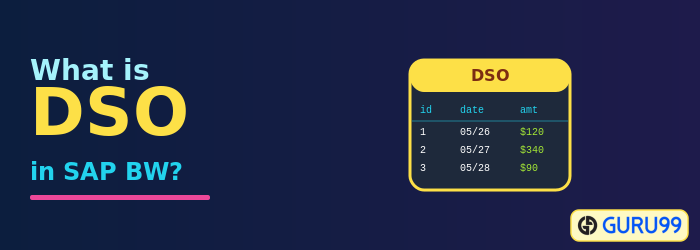
What is a DSO?
A DSO is a two-dimensional storage unit that mainly stores consolidated and cleansed transaction data or master data at the lowest granularity. DSO stands for DataStore Object.
- It is a two-dimensional transparent table.
- Data is stored at detailed level.
- With a DSO, it is also possible to overwrite data fields.
- Detailed-level reporting can be obtained from a DSO.
Why Use a DSO?
Take the example of sales order data, which is extracted from a SAP R/3 system (OLTP: Online Transaction Processing data that keeps changing) into BI. Sales orders created in R/3 can be edited at any time after the record is created. Initially the records are extracted into BI, and once they are changed in R/3, the changes need to be reflected in BI.

- Data is extracted from the SAP R/3 system and loaded into the DataStore Object.
- Initially, records are stored with New status in the new table.
- Once the DSO data is activated, data is stored in the active table and the new table no longer holds it.
- When records are changed in R/3, the changes are extracted into the DSO to reflect in BI.
- The data is stored in the new table until the DSO contents are activated, then loaded into the InfoCube from which reports are delivered.
- A DSO has overwrite and additive functionality. If all characteristics are the same, key figures are aggregated or overwritten based on the chosen functionality.
- An InfoCube is additive in nature: if all characteristics are the same, key figures are aggregated.
Types of DSO
DSOs can be classified into the following types:
