
Python List count() with EXAMPLES
 Editorial Team
⚡ Smart Summary
The Python count() method returns how many times a given element appears in a list or string. Here you will learn its syntax, see examples on lists and strings, and count all elements at once with Counter.
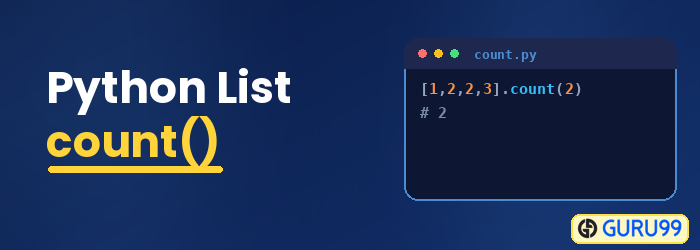
Python count
The count() is a built-in function in Python. It will return the total count of a given element in a list. The count() function is used to count elements on a list as well as a string.
Python List count()
The count() is a built-in function in Pyhton. It will return you the count of a given element in the list.
Syntax
list.count(element)
Parameters
element: The element you want to find the count.
ReturnValue
The count() method will return an integer value, i.e., the count of the given element from the given list. It returns a 0 if the value is not found in the given list.
Example 1: List Count
Following example shows the working of count() function on a list:
list1 = ['red', 'green', 'blue', 'orange', 'green', 'gray', 'green']
color_count = list1.count('green')
print('The count of color: green is ', color_count)
Output:
The count of color: green is 3
Example 2: Find the count of elements (Duplicates) in a givenlist
list1 = [2,3,4,3,10,3,5,6,3]
elm_count = list1.count(3)
print('The count of element: 3 is ', elm_count)
Output:
The count of element: 3 is 4
Count Characters in a String
The count() method also works on strings, returning how many times a character or substring appears.
message = "hello world"
print(message.count("l"))
print(message.count("o"))
Output:
3
2
Count All Elements Using Counter
To count every element at once instead of one at a time, use Counter from the collections module.
from collections import Counter

list1 = ["red", "green", "blue", "green", "red", "green"]
print(Counter(list1))
Output:
Counter({'green': 3, 'red': 2, 'blue': 1})
