
Define a Position as Head of Org Unit in SAP
 Editorial Team
⚡ Smart Summary
Define a Position as Head of Org Unit in SAP to make that position the manager of every employee in the organizational unit. This resource explains the rules for assigning a chief and the step-by-step PPOME process for setting it.
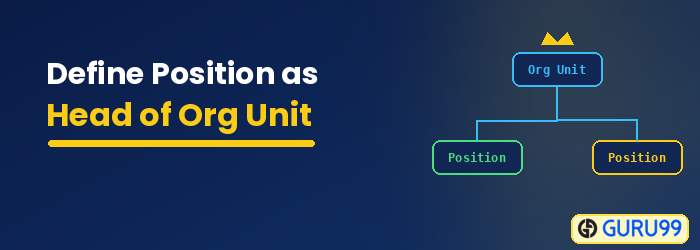
Once a position is declared a Head of the Org Unit:
- The position becomes the manager for all employees belonging to the Organizational Unit.
- The Manager automatically becomes responsible for the approval of timesheets, training requests, and any other SAP workflow.
Two important things should be considered when assigning a position as the Chief:
- A position can be assigned as Chief to one Org Unit ONLY.
- An Org Unit without a chief will automatically inherit the chief of the Org Unit it belongs to.
Step by Step Process to Define a Position in SAP
Step 1) While in SAP transaction PPOME.

Step 2) Select the position you want to make the chief.

Step 3) In the details section, under the basic data tab, select Head of organizational unit.

Step 4) Click Save. In the overview section, the icon for the position changes, signifying that it is the chief of the org unit.

