How to use Smart Object in Photoshop?
 Editorial Team
⚡ Smart Summary
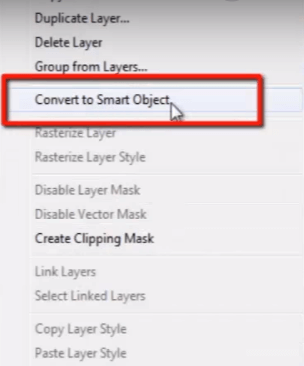
Smart Object in Photoshop preserves the quality of a vector or image, even when you rescale, resample, rotate, or reposition it. This resource explains what a smart object is, how to create one, and why it retains quality while a rasterized pixel layer degrades.

What is Photoshop Smart Object?
A Photoshop Smart Object never lets you lose the quality of any vector object or image, even if you rescale or resample it, or change its position, or rotate it however you want in your document.
Every designer must know about the benefit of a “smart object”. This means when you bring any photograph or vector object into your document and you scale it down and scale it up again, if you do not want to lose the real quality of your image, then you must make that image a “smart object” first.
Let us see an example so that you can get the actual idea of a “smart object”. Here I have a vector object in Illustrator. I copy this object by pressing CTRL + C, then go to Photoshop and press CTRL + V to paste.
When I paste it into Photoshop, it gives 4 different options to choose from, such as “Smart Object”, “Pixel”, “Path”, and “Shape Layer”.
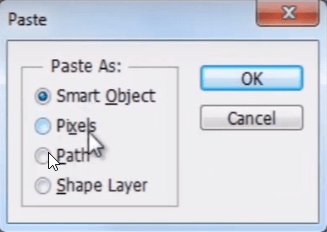
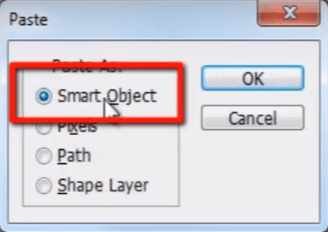
This time I am going to select Photoshop smart objects. Press OK.
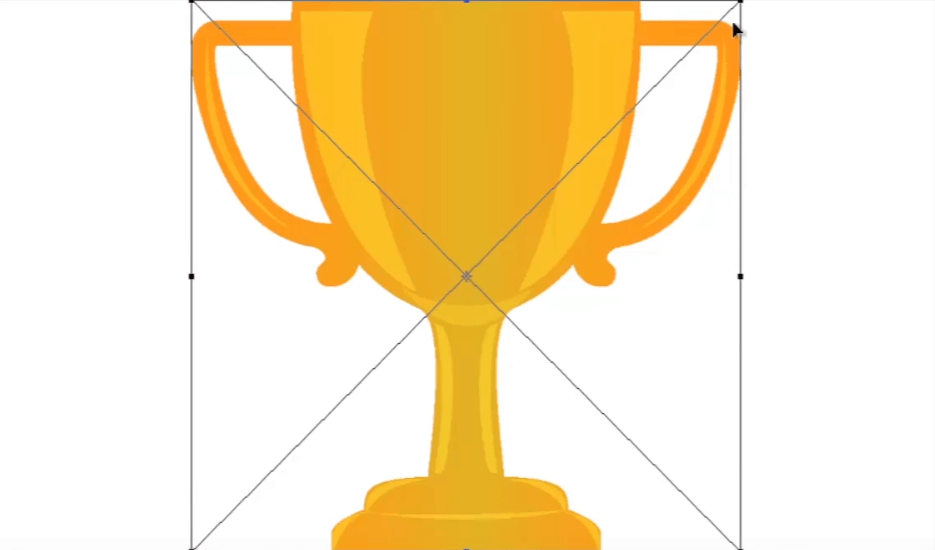
So here is our vector object with good quality.
See in the layer panel that the layer has a small icon on the bottom corner of it. This small icon indicates that this is a smart object.
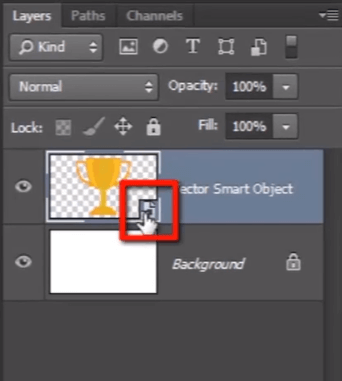
Now press CTRL + T and scale down the object. Press CTRL + T again, scale it up, and hit enter.

You can see here that the quality and sharpness of the object is as good as it was before we scaled it down. It has not lost even 1% of quality.
Now switch off this layer and press CTRL + V to paste it again. But this time I am going to select Pixels.

The object is in its original quality now. But once we scale it down and scale it up again, you can see how it is losing the real quality of the object. It has been blurred and has lost too much color information of the object.
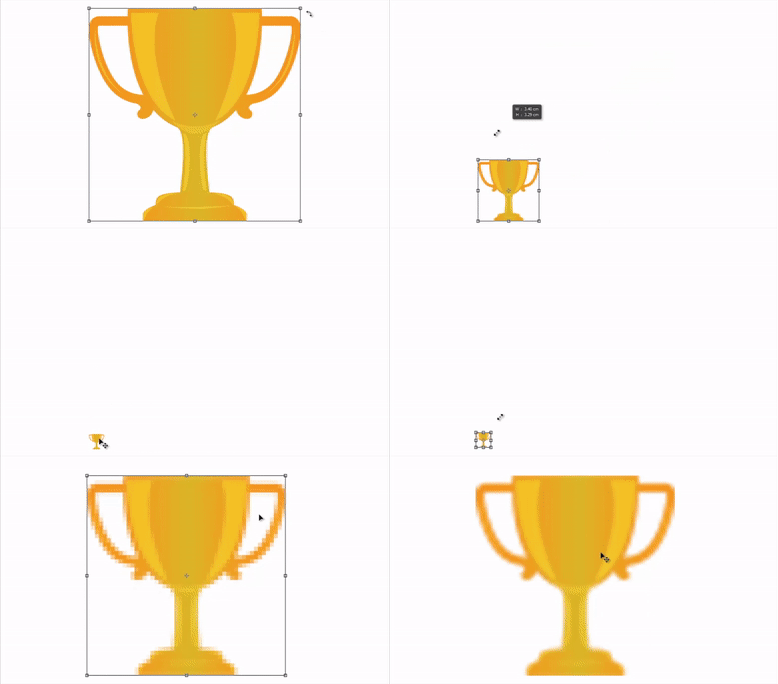
Let us see the reason why the object has not lost its information when it is converted to a smart object, and why it lost it all when it was a normal layer.
Take the smart object layer and scale it down and rescale it up. You can see it does not lose any color information and remains sharp, and that is because it is embedded inside of the smart object, which means it is referring to the original vector information instead of referring to pixel information when it was imported.
And now let us talk about the object which we have imported as a pixel. When we scale it down, it does not need much information to display at this smaller size, so it throws away extra information which is not needed to display. Now when we are scaling it back up, it does not remember that extra information which it had thrown away before, when we scaled it down. So you can see how it has lost its quality and sharpness and how bad it looks.
If you are a designer and you are working on a composite design in Photoshop, and you are using different objects in your work and you are rescaling, resampling, rotating, and repositioning them to get the right look, it is going to definitely decrease the real quality of the images if all are not converted to “smart object”.