
Java String contains(): Check if String contains Substring
 Editorial Team
⚡ Smart Summary
Java String contains() method checks whether a specified sequence of characters exists within a given string, returning a boolean true or false. It is case-sensitive, accepts a CharSequence argument, and is commonly used inside if statements for substring testing.
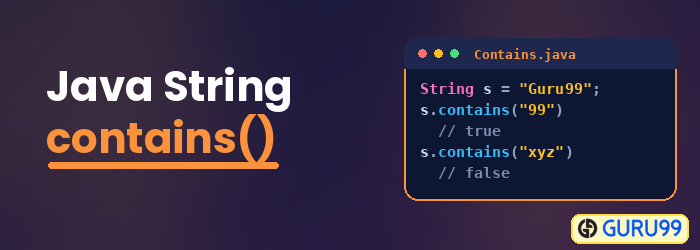
Java String contains() method
The Java String contains() method is used to check whether the specific set of characters are part of the given string or not. It returns a boolean value true if the specified characters are substring of a given string and returns false otherwise. It can be directly used inside the if statement.
Syntax of contains() method in Java
public boolean String.contains(CharSequence s)
Parameters
s − This is the sequence to search in Java contains() method
Return Value
The contains() method in Java returns true only if this string contains “s” else false.
Exception
NullPointerException − if the value of s is null in the Java contains() method.
When to use Contains() method?
contains() in Java is a common case in Java programming when you want to check if specific String contains a particular substring. For example, If you want to test if the String “The big red fox” contains the substring “red.” The string contains() in Java method is useful in such situation.
Java String contains() Method Example 1:
public class Sample_String {
    public static void main(String[] args) {
        String str_Sample = "This is a String contains Example";
        //Check if String contains a sequence
        System.out.println("Contains sequence 'ing': " + str_Sample.contains("ing"));
        System.out.println("Contains sequence 'Example': " + str_Sample.contains("Example"));
        //String contains method is case sensitive
        System.out.println("Contains sequence 'example': " + str_Sample.contains("example"));
        System.out.println("Contains sequence 'is String': " + str_Sample.contains("is String"));
    }
}
Expected Output:
Contains sequence 'ing': true
Contains sequence 'Example': true
Contains sequence 'example': false
Contains sequence 'is String': false
Java String contains() Method Example 2:
Java String contains() method in the if else Structure:
public class IfExample {
    public static void main(String args[]) {
        String str1 = "Java string contains If else Example";
        // In If-else statements you can use the contains() method

        if (str1.contains("example")) {
            System.out.println("The Keyword :example: is found in given string");
        } else {
            System.out.println("The Keyword :example: is not found in the string");
        }
    }
}
Expected Output:
The Keyword :example: is not found in the string
