
For-each loop in Java
 Editorial Team
⚡ Smart Summary
For-each loop in Java is a simplified form of the for loop used to traverse arrays and lists without a counter or index. This resource explains the for-each syntax, compares it with the traditional for loop, and shows a complete working example with expected output.
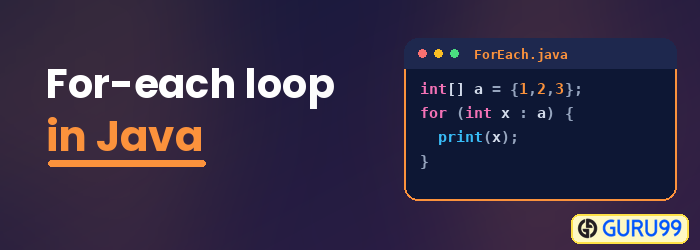
Java For-Each Array
The For-Each Loop is another form of for loop used to traverse the array. The for-each loop reduces the code significantly, and there is no use of the index, or rather the counter, in the loop.
Syntax:
for (<DataType of array/List> <Temp variable name> : <Array/List to be iterated>) {
    System.out.println();
    // Any other operation can be done with this temp variable.
}
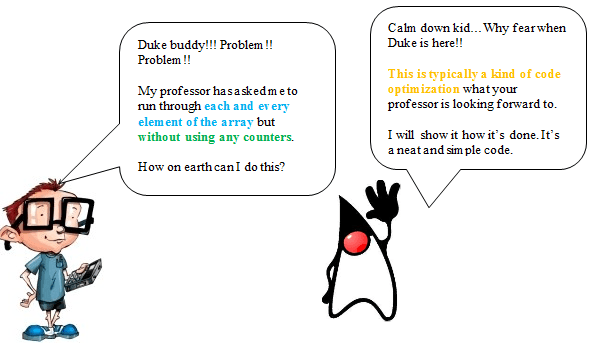
Let us take the example using a String array that you want to iterate over without using any counters. Consider a String array arrData initialized as follows:
String[] arrData = {"Alpha", "Beta", "Gamma", "Delta", "Sigma"};
Although you might know methods like finding the size of the array and then iterating through each element of the array using the traditional for loop (counter, condition, and increment), we need a more optimized approach that will not use any such counter.
This is the conventional approach of the “for” loop:
for (int i = 0; i < arrData.length; i++) {
    System.out.println(arrData[i]);
}
You can see the use of the counter and then its use as the index for the array. Java provides a way to use the “for” loop that will iterate through each element of the array.
Here is the code for the array that we declared earlier:
for (String strTemp : arrData) {
    System.out.println(strTemp);
}
You can see the difference between the loops. The code has reduced significantly. Also, there is no use of the index, or rather the counter, in the loop. Do ensure that the data type declared in the for-each loop matches the data type of the ArrayList that you are iterating.
For each loop Example
Here we have the entire class showing the above explanation:
class UsingForEach {
  public static void main(String[] args) {
    String[] arrData = {"Alpha", "Beta", "Gamma", "Delta", "Sigma"};
    //The conventional approach of using the for loop
    System.out.println("Using conventional For Loop:");
    for(int i=0; i< arrData.length; i++){
      System.out.println(arrData[i]);
    }
    System.out.println("\nUsing Foreach loop:");
    //The optimized method of using the for loop - also called the foreach loop
    for (String strTemp : arrData){
      System.out.println(strTemp);
    }
  }
}

Expected Output:
Using conventional For Loop:
Alpha
Beta
Gamma
Delta
Sigma

Using Foreach loop:
Alpha
Beta
Gamma
Delta
Sigma
